Bring any page into Doop as editable layers.
Select a sectionPick exactly what catches your eye
Capture entire pageBring the full layout with you
After copying, paste into your Doop canvas ⌘ V
Pick a section or take the whole page, straight from your own browser, and paste it onto a Doop canvas as real HTML. Edit it, restyle it, or ask Claude to redesign it.
 Aurora chase6 h · from Tromsøfrom 1,490 kr
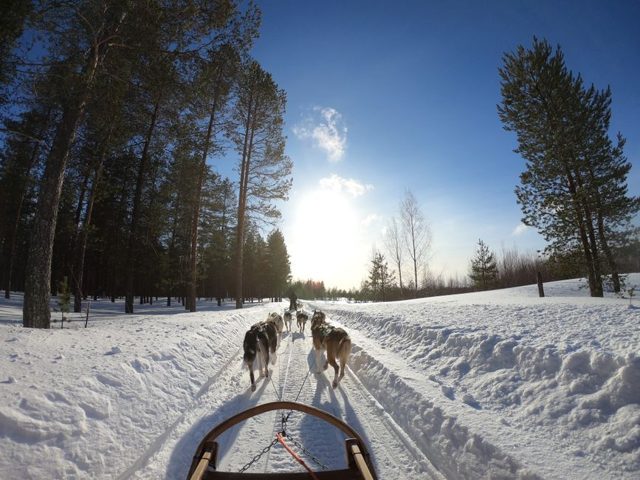 Husky sledding4 h · Lyngen Alpsfrom 2,190 kr
 Fjord kayaking3 h · Kvaløyafrom 990 krAurora chase6 h · from Tromsøfrom 1,490 krHusky sledding4 h · Lyngen Alpsfrom 2,190 krFjord kayaking3 h · Kvaløyafrom 990 kr
A minute to set up, then a few seconds for every page after that. Nothing to sign in to and nothing to configure.

Page loads more as you scroll? Scroll to the bottom before you capture.

Bring any page into Doop as editable layers.
After copying, paste into your Doop canvas ⌘ V
Then edit it by hand, or ask your agent: "Redo the Nordlys tours in our brand, mobile first."
 Aurora chase6 h · from Tromsøfrom 1,490 krHusky sledding4 h · Lyngen Alpsfrom 2,190 krFjord kayaking3 h · Kvaløyafrom 990 kr
The extension copies the page as the browser drew it, so what you paste is a design you can change, not a picture of one.
Layout, type, colour and spacing come over as the browser computed them, on the elements themselves.
The paste is a frame like any other. Claude, Codex or the Doop Agent can rebrand it, rewrite it or make it mobile.
It copies from your own tab, so the screens behind a login come with you. No crawler has to get in.
 Runs in your browser
The copy happens in the tab and goes to your clipboard. Nothing reaches Doop until you paste, and the extension has no analytics.
Whatever is typed into inputs and text areas is cleared before the copy, so a filled-in form doesn't follow you.
No sign-in in the extension and nothing to configure. Paste uses the Doop session you already have.
Images stay linked to the site they came from. Web fonts, video, canvas drawings, embedded frames and shadow DOM don't come over, and very long pages may need to be taken a section at a time. On pages that load as you scroll, scroll to the bottom first.