 Written by
Looking for pen.dev alternatives? You are probably in one of three spots. Your team wants to review designs live, not through pull requests. You want an open-source tool you can host yourself. Or the free plan’s agent limits are starting to pinch. This guide compares the four best options in 2026 and tells you plainly when to stay with pen.dev.
Quick note on the name: pen.dev used to be called Pencil (pencil.dev). It is the same product with the same .pen files, so anything you read about Pencil still applies.
What pen.dev does well, and where it pinches
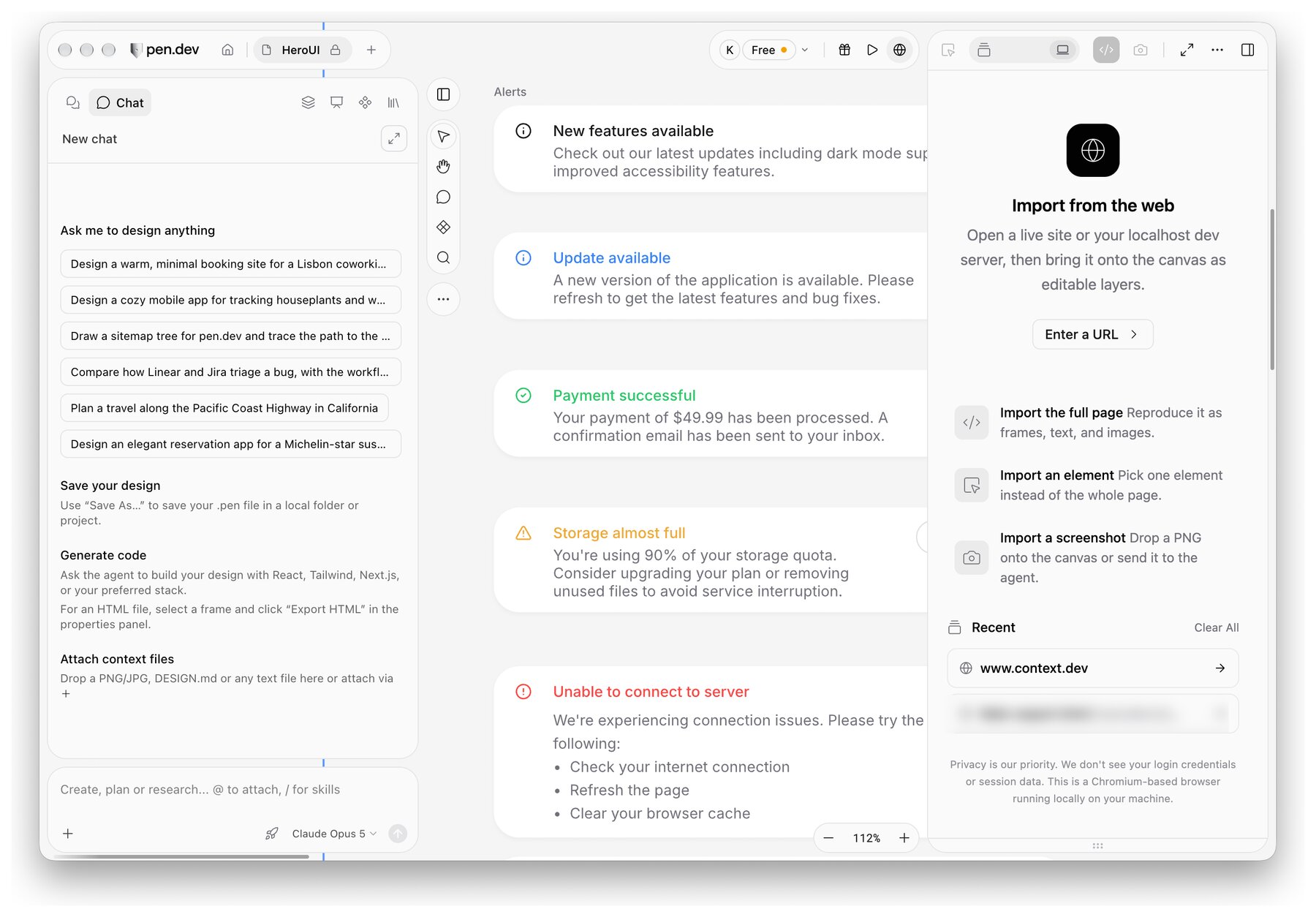
pen.dev is an agentic design canvas. Every design is a .pen file, which is plain JSON with an open schema. As a result, you can commit designs next to your code, diff them and review them in a pull request. It runs as a desktop app on macOS, Windows and Linux, in the browser, and inside VS Code and Cursor.
Agents are a first-class part of it. You can connect Claude Code, Codex, Cursor or any MCP client. You can also bring your own subscription or API key and run several agents on one canvas at once.
However, the same choices create the reasons people switch:
- Files, not a shared room. Collaboration runs through files, sharing and versions. That suits engineers, but designers, PMs and clients usually want to comment on a live canvas.
- Closed source. The file format is open, but the app is not. You cannot self-host it.
- Free plan limits. According to pen.dev’s pricing page, the free plan includes 5 days a month of designing with an agent and one agent at a time. Paid plans start at $16 per user per month.
pen.dev alternatives at a glance
| Tool | Best for | Where designs live | Open source | Free plan |
|---|---|---|---|---|
| Doop | Teams reviewing agent work together | Shared canvas (cloud or self-hosted) | Yes, AGPL-3.0 | Yes, full product |
| Paper | A polished canvas for one designer and an agent | Paper’s web and desktop app | No | Yes, 100 MCP calls a week |
| Figma with MCP | Teams already living in Figma | Figma files | No | Limited, writes need a Full seat |
| OpenDesign | Local-first, fully open setups | Your machine | Yes, Apache-2.0 | Free, you pay for models |
| pen.dev | Designs versioned in Git | .pen files in your repo |
Open format, closed app | Yes, 5 agent days a month |
1. Doop: a shared canvas where agents and people design together
Doop is an open-source design canvas built for agents and teams at the same time. You connect the agent you already use, such as Claude Code, Codex or Cursor, over MCP. It then designs on the canvas live, under its own name, while your teammates watch, comment and edit next to it.
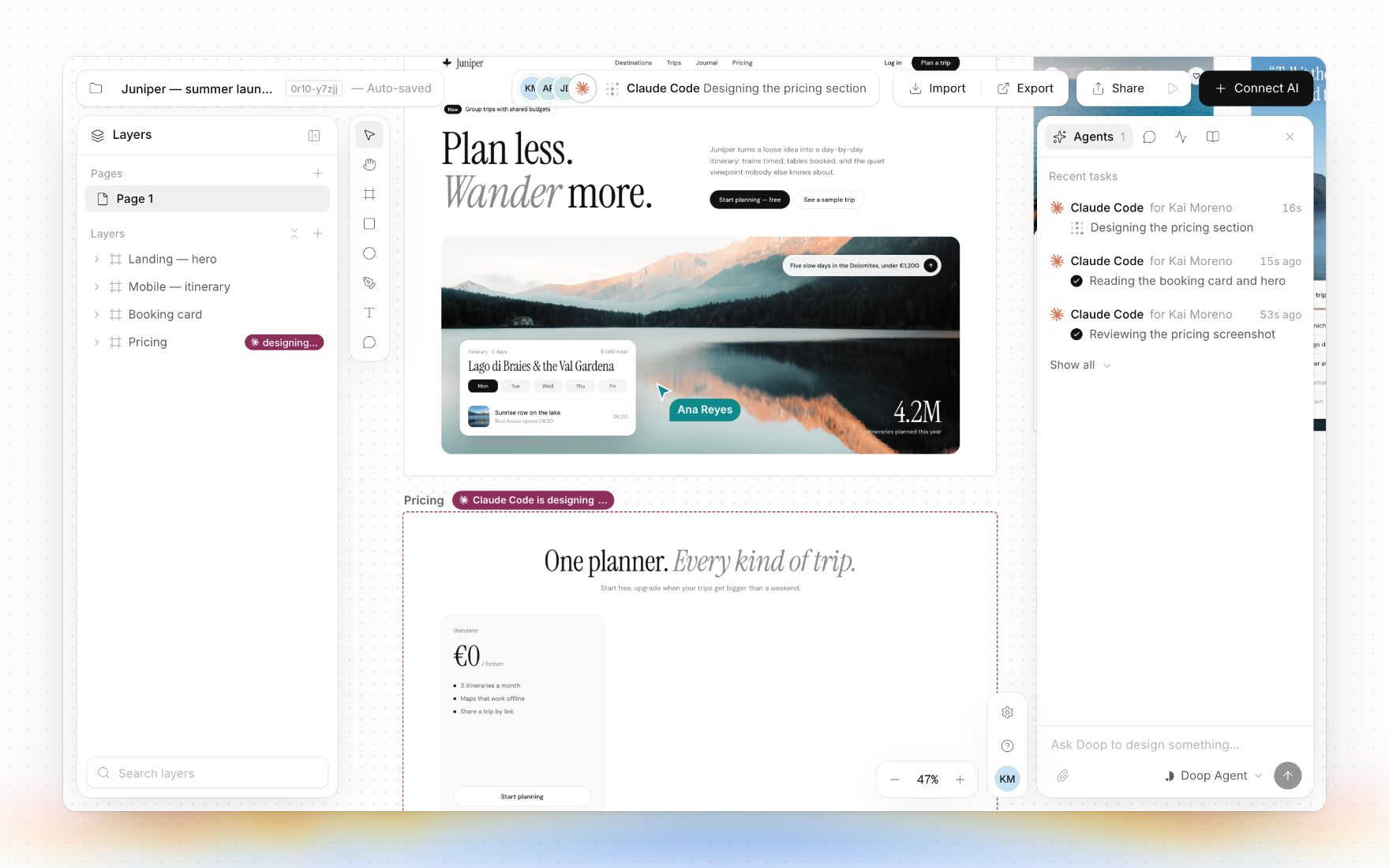
Where pen.dev centres on files, Doop centres on the room. Every frame is real HTML, so agents edit the design directly instead of describing it. In addition, the canvas includes clickable prototypes, components and tokens, and imports from websites, Figma and GitHub.
Doop is open source under AGPL-3.0, so you can self-host it. The hosted version has a free plan with the full product, and Organization costs $20 per editor per month. Because everyone brings their own agent, agents never need a seat.
Choose Doop over pen.dev when non-engineers need to review agent work live, or when you want open source you can run yourself. On the other hand, if designs in your repo are the whole point, Doop is not a drop-in swap.
2. Paper: the closest match to pen.dev’s feel
Paper is an agent-native canvas with a web app and a desktop app. Like pen.dev, it gives agents full read and write access over MCP, and it feels like a modern design tool rather than a code editor.
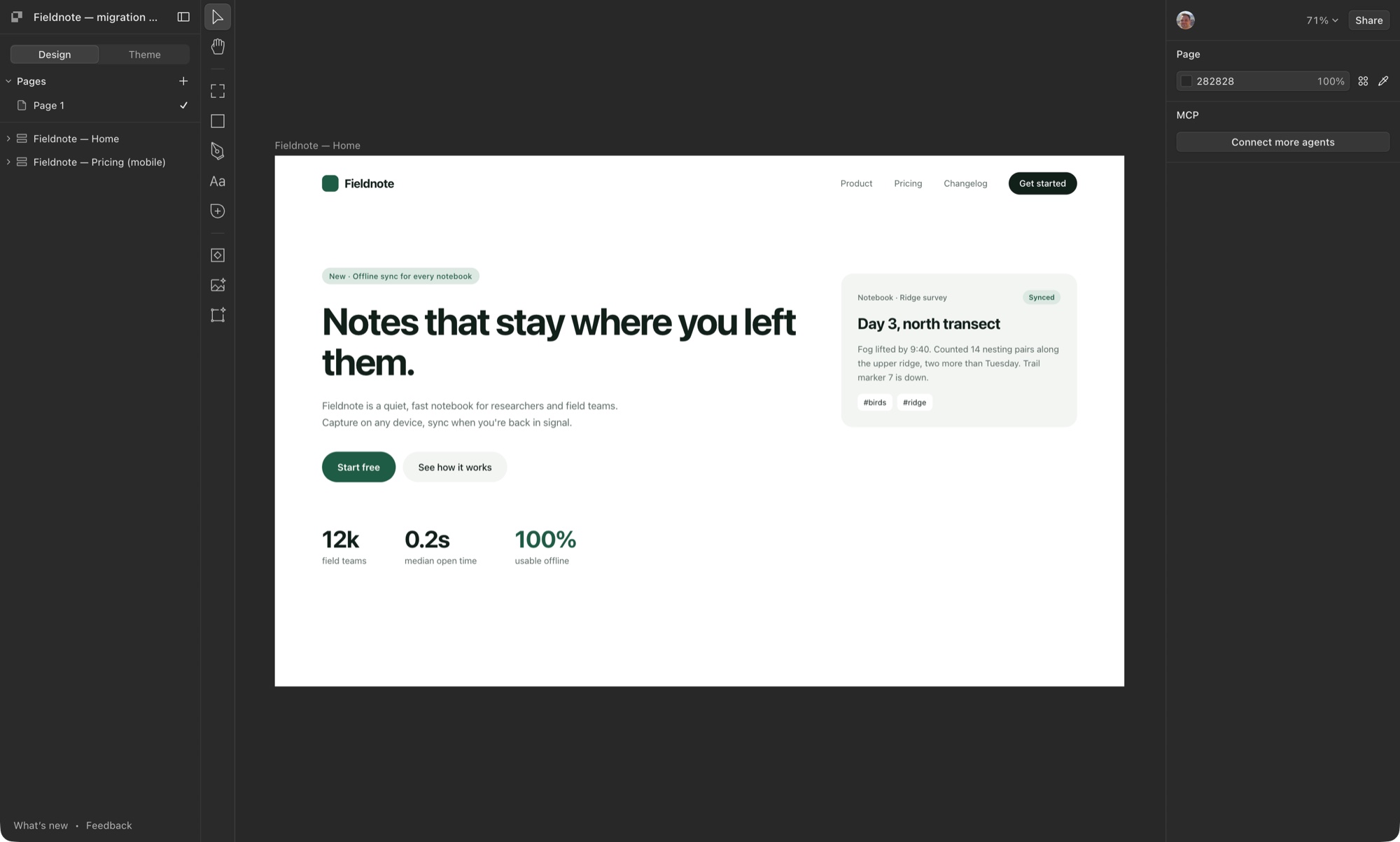
The difference is where designs live. Paper keeps them in its own app, while pen.dev keeps them in your repo. Paper’s free plan includes 100 MCP tool calls a week, and Pro costs $16 per editor per month on yearly billing.
Choose Paper over pen.dev when design leads the workflow and Git-versioned design files matter less to you. For a deeper look, see our Paper.design alternatives comparison.
3. Figma with the MCP server: stay where your team already is
If your company already designs in Figma, its MCP server may be enough. It gives coding agents your selection, variables and components. Furthermore, agents can now write directly to the canvas.
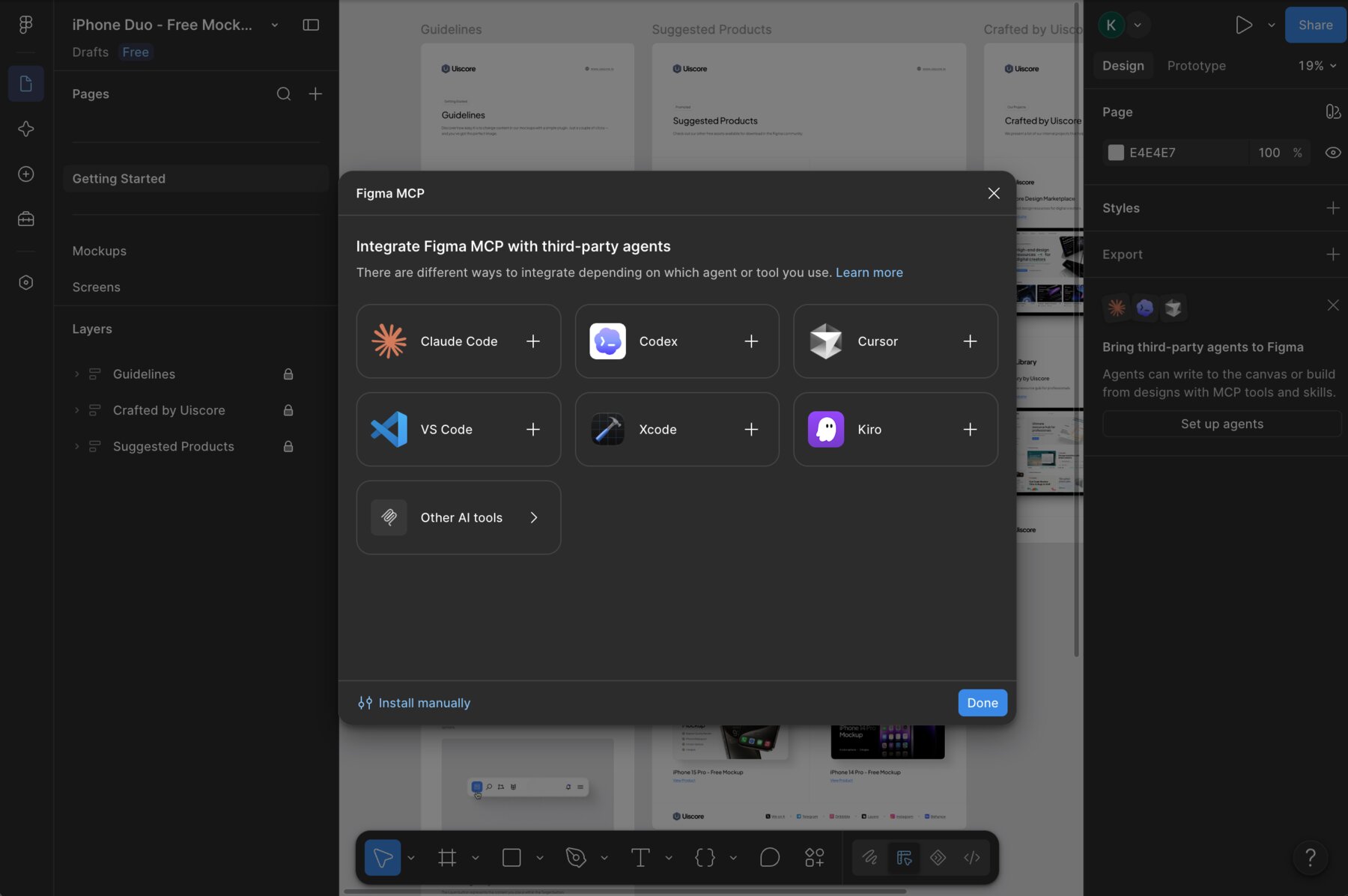
There are catches, though. Writing outside your drafts needs a Full seat, and the desktop server needs a Dev or Full seat on a paid plan. Figma’s agent features are also free only during the beta and will become usage-based later.
Choose Figma over pen.dev when your design system already lives in Figma and nobody wants a second tool.
4. OpenDesign: the open-source, local-first option
OpenDesign is an open-source design workspace under Apache-2.0. It runs on your machine and drives the coding agents you already have, writing prototypes, sites and slides to disk.
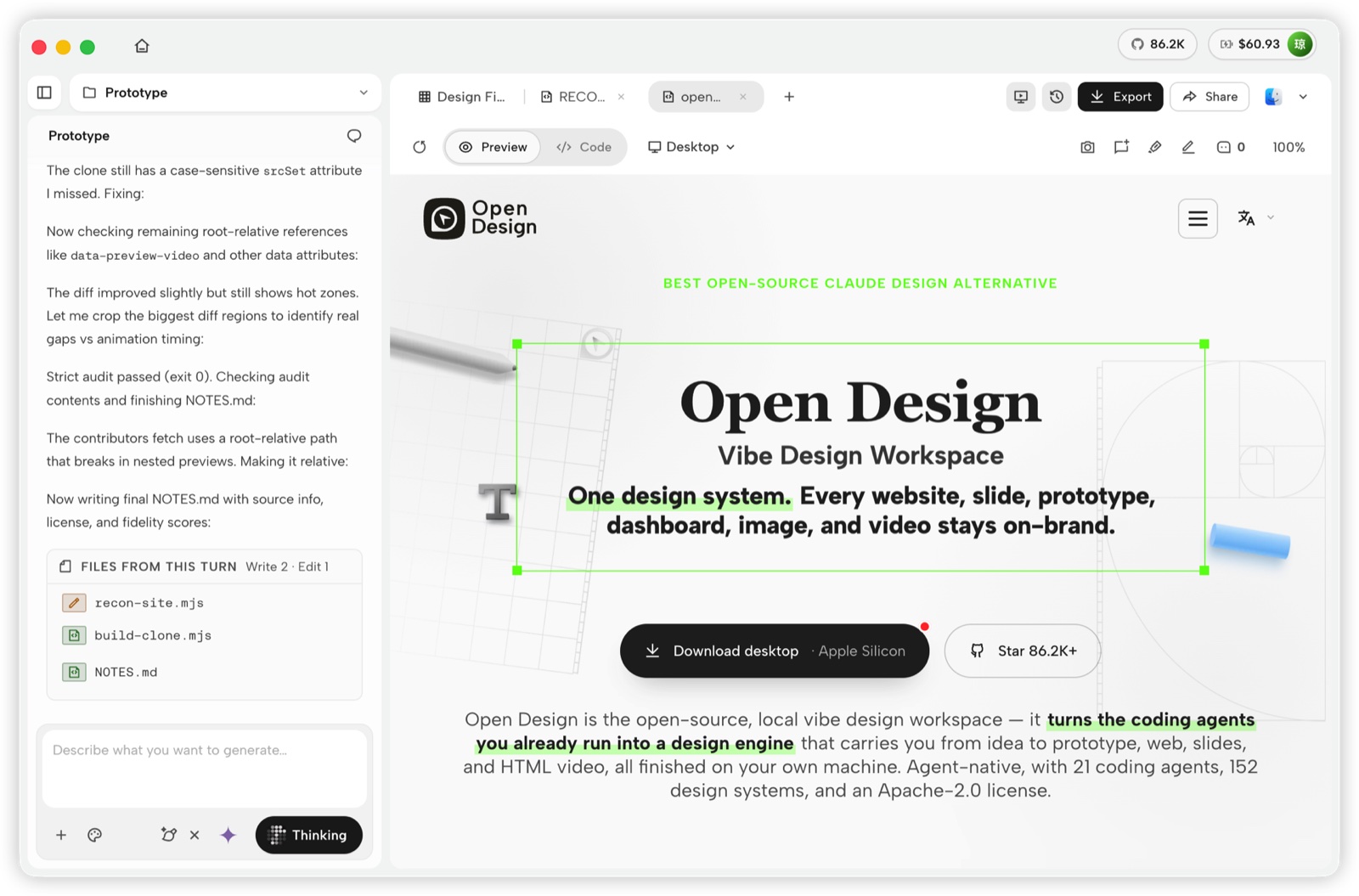
It shares pen.dev’s “files you own” spirit, but goes further, because the whole app is open. The trade-off is that it is closer to a generator than a precise design canvas, and team review is not its focus.
Choose OpenDesign over pen.dev when you want everything local and open, and you mostly generate pages rather than fine-tune them.
Already using OpenDesign and hitting its limits? See our guide to OpenDesign alternatives.
Paper vs pen.dev: which one fits you?
These two get compared most, so here is the short version:
- Files: pen.dev stores
.penJSON in your repo. Paper keeps designs in its app. - Agents: both offer full MCP read and write. In addition, pen.dev runs several agents at once on paid plans.
- Price: both start at $16 a seat per month. pen.dev’s free plan limits agent days, while Paper’s limits weekly MCP calls.
- Who it suits: pen.dev suits engineering-led teams. Paper suits design-led teams.
Moving between them is not automatic either. If you leave Paper, our guide to migrating from Paper to Doop shows how to bring tokens and frames over.
How to choose a pen.dev alternative
Start from the reason you are looking. First, if it is collaboration, pick Doop for the live shared canvas. Second, if it is openness, Doop and OpenDesign are both open source, and Doop adds a hosted option. Third, if it is your existing Figma investment, try the Figma MCP server before switching anything.
Finally, stay with pen.dev if Git-versioned design files are exactly what you want. Many teams also combine tools: for example, they explore on a shared Doop canvas and keep the final designs as files. To see how these tools work with your agent, read our comparison of the best design MCP for Claude Code.
Frequently asked questions
What happened to Pencil? Pencil (pencil.dev) was renamed to pen.dev. The app, the .pen format and the MCP setup carry on under the new name.
Is pen.dev free? Yes, with limits. The free plan includes the full editor, local .pen files and 5 days a month of agent design. Pro costs $16 per user per month.
Is there an open-source pen.dev alternative? Yes. Doop is open source under AGPL-3.0 and runs hosted or self-hosted. OpenDesign is open source under Apache-2.0 and runs locally.
What is the best pen.dev alternative for teams? Doop, because designers, engineers and agents work on the same live canvas, and agents never take a seat.
Can I use Claude Code with these tools? Yes. Doop, Paper, Figma and pen.dev all connect to Claude Code over MCP, and OpenDesign drives it locally.