 Written by
What is the best design MCP for Claude Code in 2026? The strongest Claude Code design tools all speak the same language: MCP. You can wire Claude Code straight into a live canvas, your Figma files, or an agent-native design app, and watch it design while you review. This comparison covers the five design MCPs we think are worth your setup time, what each one is best at, and how to connect them.
First, a quick refresher. The Model Context Protocol (MCP) is an open standard that lets AI agents call external tools. Claude Code ships with built-in MCP support, so adding a design tool is usually a single command. After that, the agent can create artboards, read your design system, or push components without leaving the terminal.
What makes a good design MCP for Claude Code?
Not every design app with an API is a good fit for an agent. In practice, three things matter. First, the tool should expose real design actions over MCP, not just file exports. Second, you want a feedback loop: you should see what the agent is doing and be able to steer it. Finally, output should land somewhere your team already works, so nothing gets lost in translation.
With that lens, here are the top five design MCPs for Claude Code right now.
1. Doop: a multiplayer canvas where agents design live
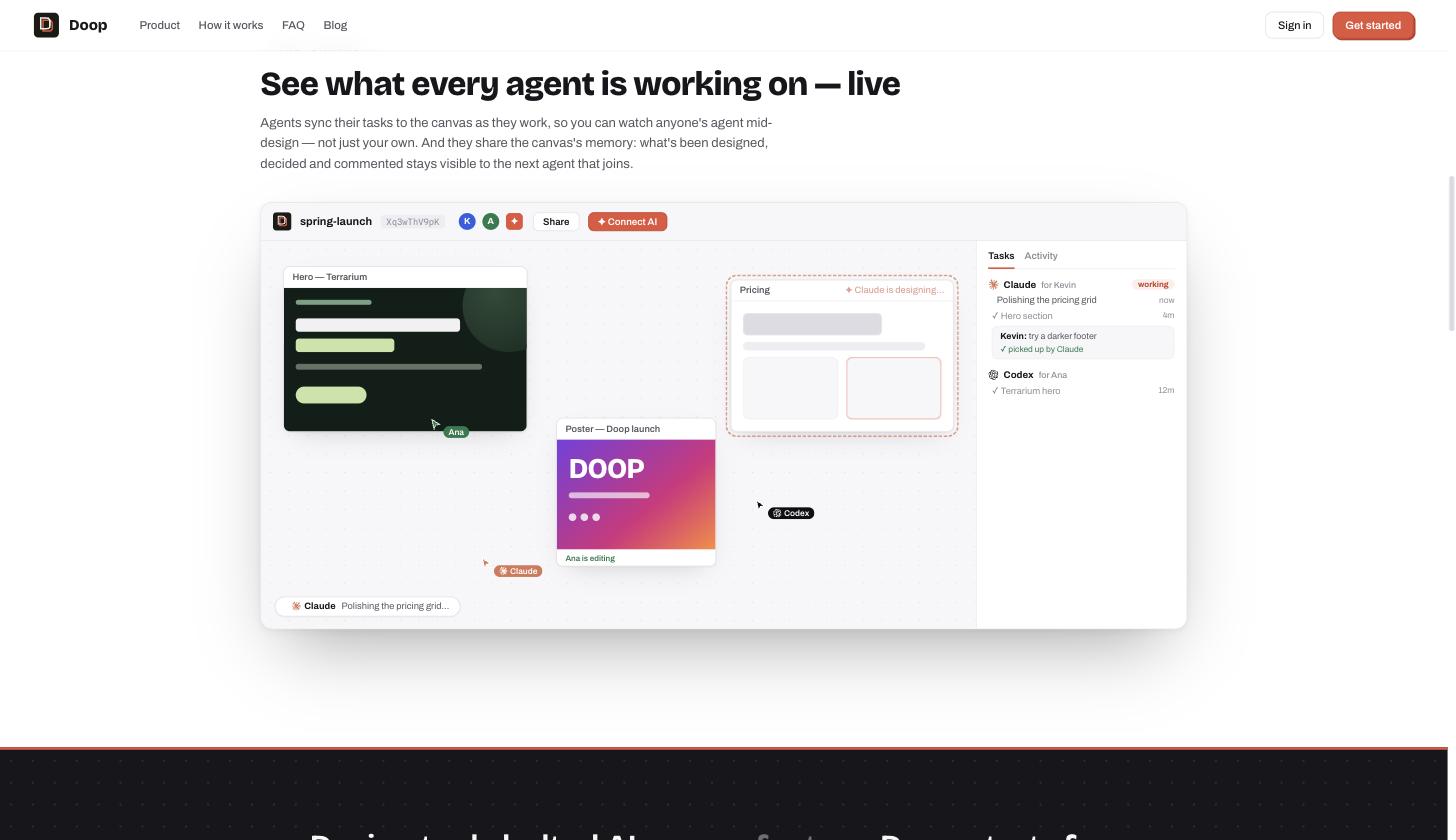
Doop is an open-source multiplayer design canvas built for exactly this workflow, a dedicated design MCP for Claude Code. Humans and AI agents share the same canvas: every frame the agent creates streams in live, with its status shown next to its cursor. You leave feedback directly on frames, and the notes flow back to the agent as structured tasks.
Connecting is a one-liner:
claude mcp add --transport http doop https://doop.design/mcpClaude Code opens a browser window, you sign in and approve, and the agent joins the canvas as you. Because the connection uses OAuth, every frame and edit is attributed to its author. As a result, design reviews feel like watching a teammate work rather than waiting for a batch export.
2. Figma: the official Dev Mode MCP server
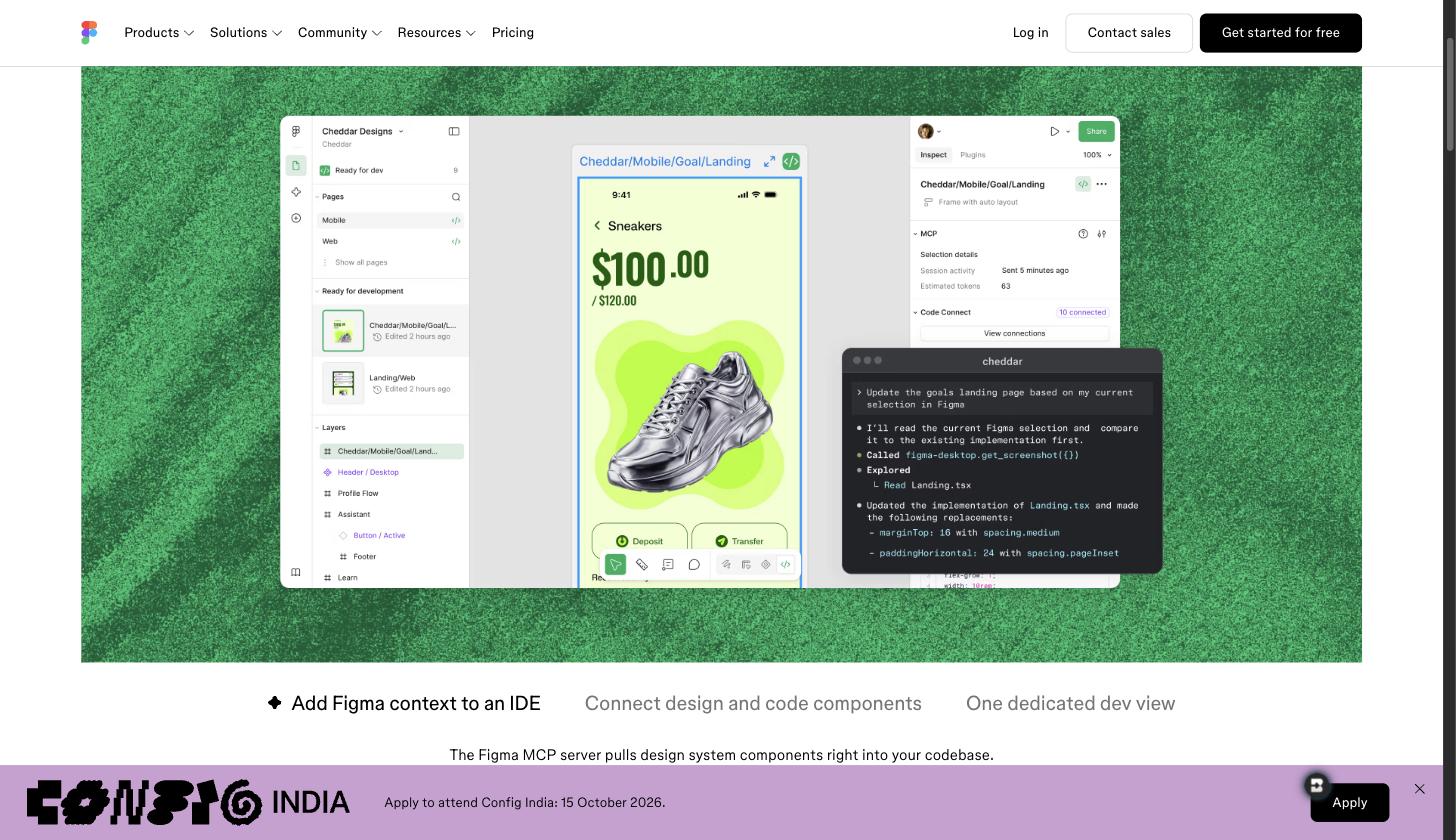
Figma remains where most product teams keep their source of truth, and the official Figma MCP server gives Claude Code first-class access to it. The server exposes selected frames, design tokens, variables, and Code Connect mappings. Consequently, it shines in the design-to-code direction: point Claude Code at a frame and it can implement the screen with your real component names.
Setup happens in the Figma desktop app, which runs the server locally. If your team already pays for Dev Mode seats, this is the fastest way to make your existing design system agent-readable.
3. Paper: an agent-native canvas with full read and write
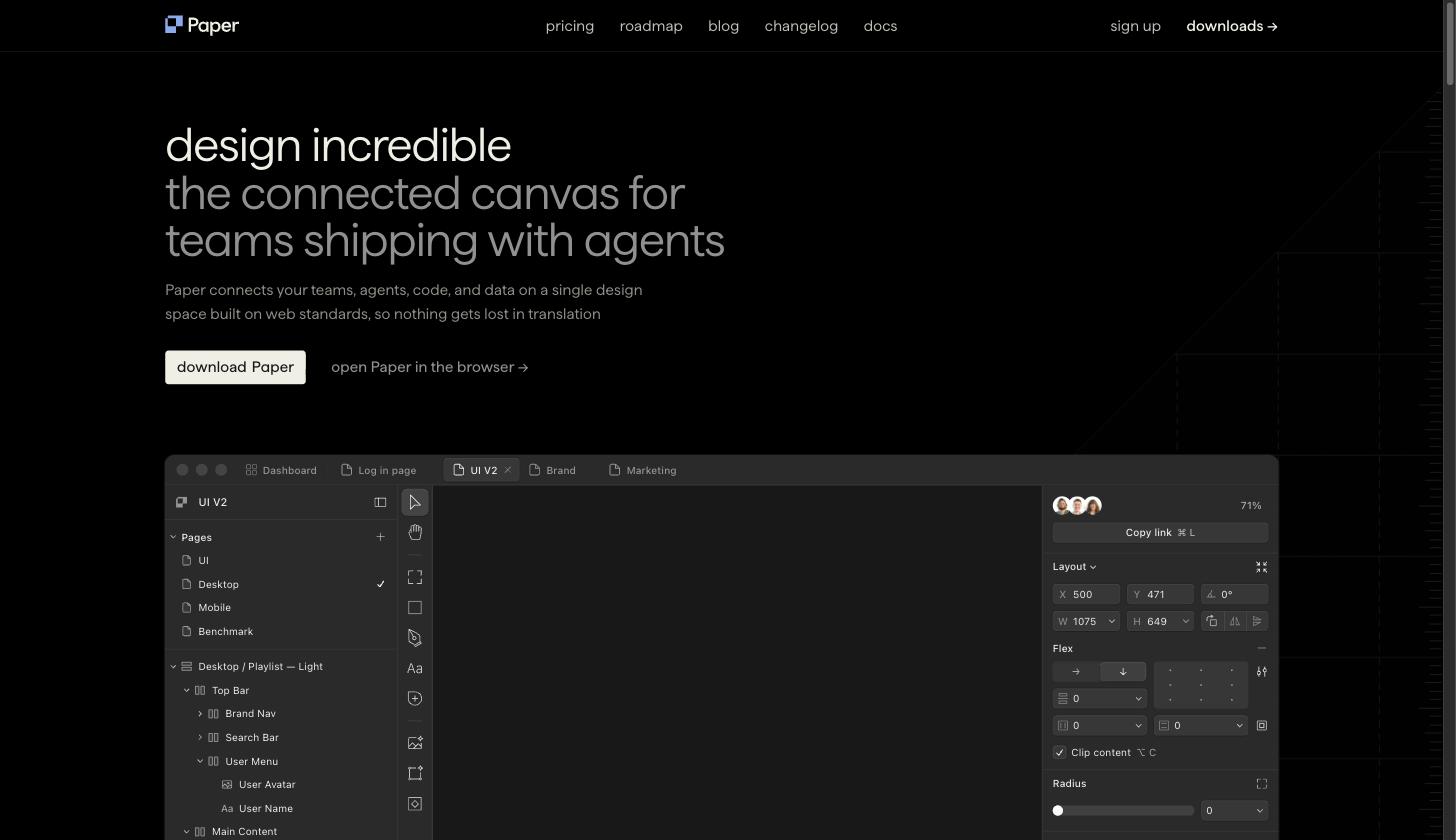
Paper takes the agent-first idea further than anyone: its MCP server exposes around two dozen tools, and they cover both directions. The agent can read your selection, computed styles, and screenshots, and it can also create artboards, write markup, and update styles directly on the canvas.
The desktop app starts the MCP server automatically whenever a file is open, so setup is one command against a local port. In practice, that bidirectional loop feels different: you sketch, the agent refines, you critique, and the same file keeps evolving. For designers who want to direct an agent rather than hand off to one, Paper is the strongest option on this list.
4. Pencil: design files your repo can own
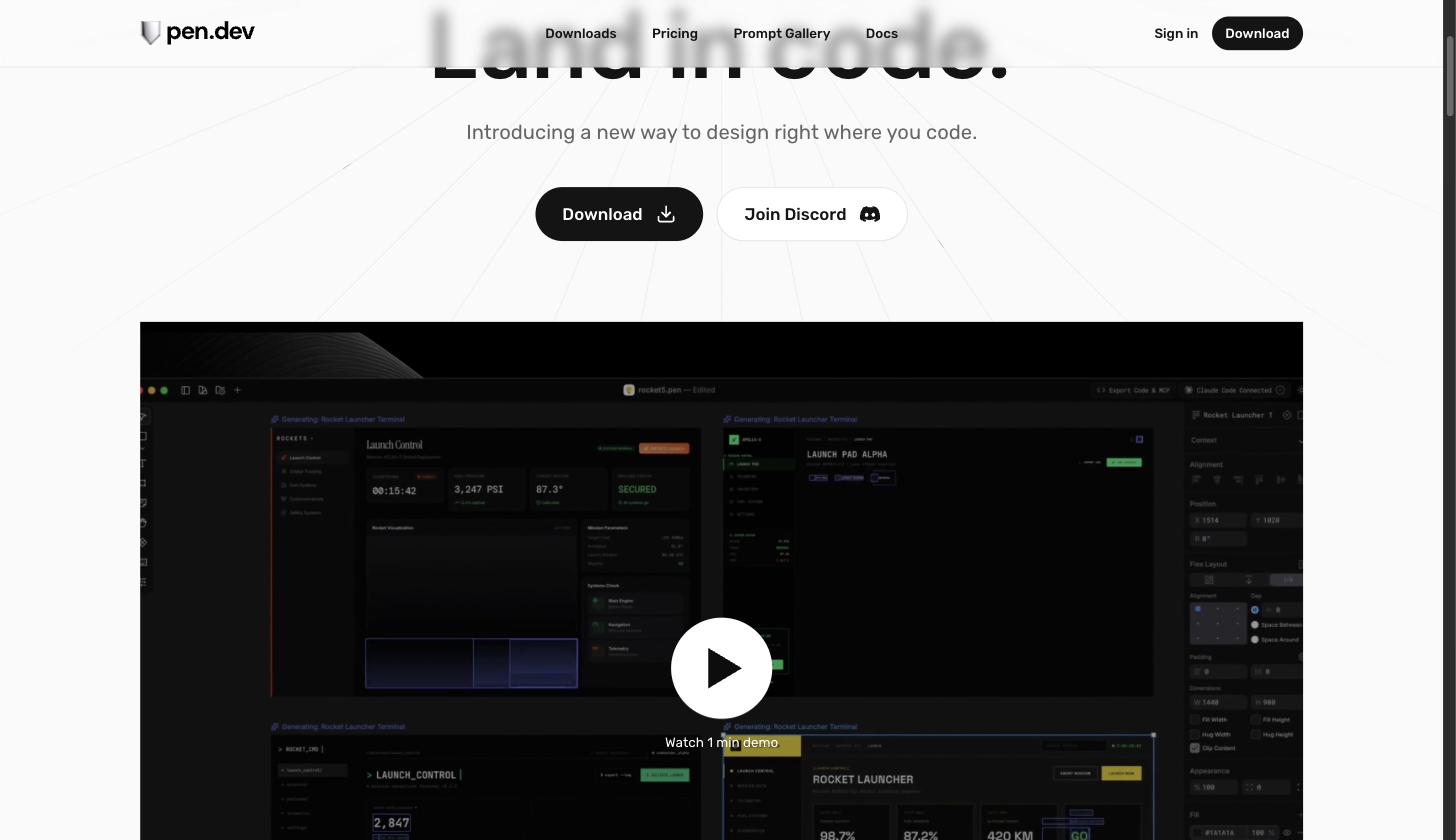
Pencil (pen.dev) is a desktop design canvas whose files live as .pen documents, which means designs can sit in the same repository as the code they describe. Its local MCP server validates every read and write against a schema, keeps the editor in sync, and serves live screenshots so the agent sees what you see.
Because the design is a file, the workflow composes naturally with Claude Code: the agent edits the .pen design, you review it in the editor, and the same agent then generates matching production code. Teams that want design and code reviewed in one pull request should start here.
5. Magic by 21st.dev: production-ready UI components
Magic generates polished React components from a text prompt, drawing on a large library of community patterns. Inside Claude Code, it acts like a component vending machine: describe the pricing table you need, and it returns typed, styled code you can drop into your repo.
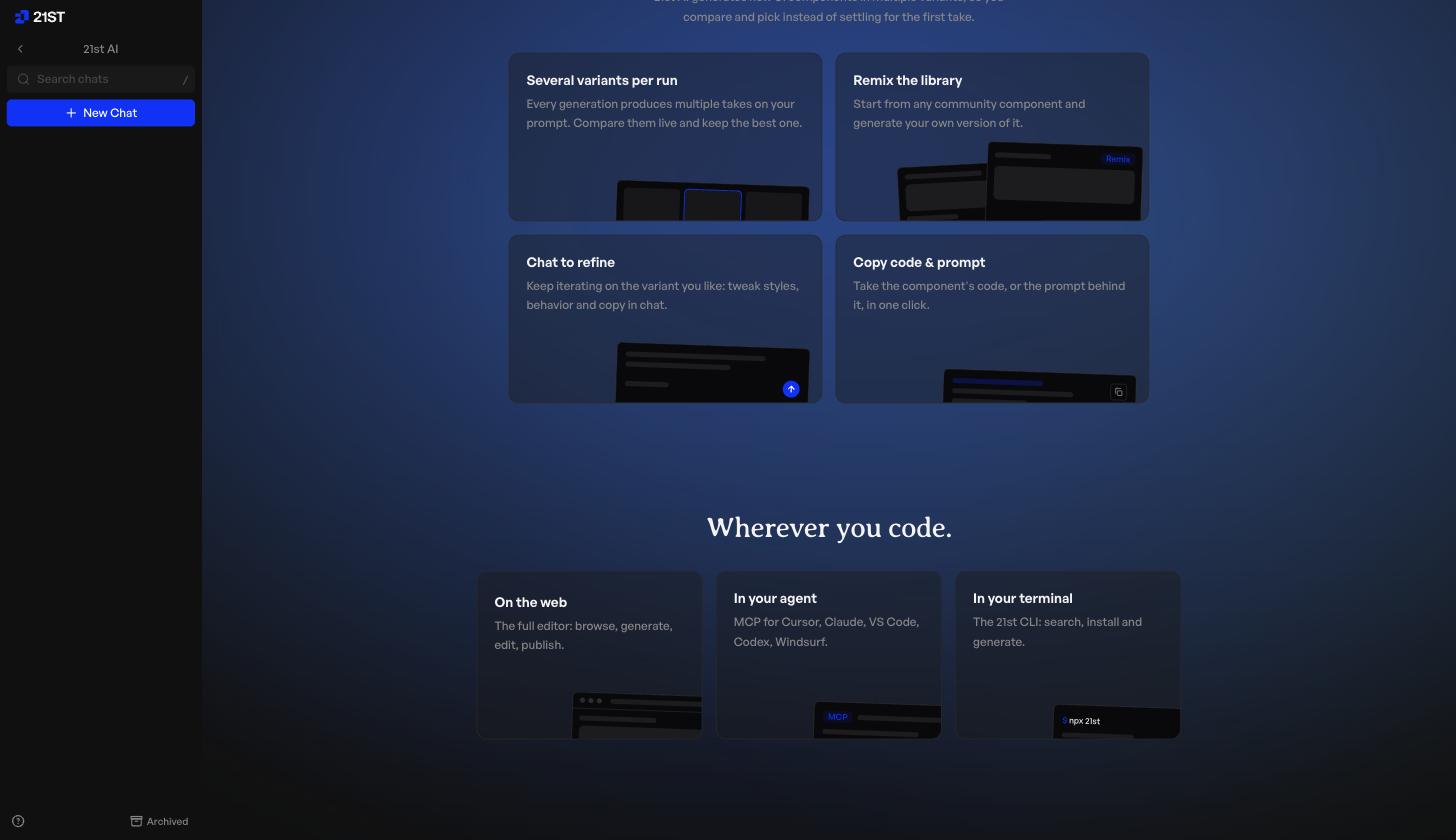
Magic is at its best when you already know what you want and need quality parts fast. In contrast to canvas tools, there is no visual review step, so pair it with something like Doop or Paper if stakeholders need to see the result.
The 5 design MCPs compared
| Tool | Open source | Where it runs | Agent access | Review loop | Price |
|---|---|---|---|---|---|
| Doop | Yes (AGPL-3.0) | Hosted or self-hosted | Read + write, streams live | Multiplayer canvas, tasks & feedback | Free while in beta |
| Figma Dev Mode MCP | No | Local, via desktop app | Mostly read (frames, tokens, Code Connect) | Comments in Figma | Dev Mode seats |
| Paper | No | Local desktop app | Read + write, ~two dozen tools | You and the agent in one file | Free tier |
| Pencil | No | Local, files in your repo | Read + write, schema-validated | Pull-request review | Free tier |
| Magic by 21st.dev | No | Cloud | Generates component code | None (pair with a canvas) | Free tier |
Which design MCP should you pick?
Choosing comes down to where your design work needs to land.
- Live collaboration and review: Doop, because agents and humans share one canvas in real time.
- Existing design system: Figma’s Dev Mode server, because it reads your real tokens and components.
- Agent-directed design: Paper, because the agent can both read and write the canvas.
- Design files in the repo: Pencil, because
.pendocuments version alongside code. - Shipping UI code fast: Magic, because it returns production-ready components.
Honorable mention: if your work goes 3D, the community-built Blender MCP connects Claude Code to a running Blender instance for scenes, materials, and renders.
These tools also compose well. A common 2026 stack pairs Figma for the system of record with a live canvas for agent iteration. The agent explores ten directions on the canvas, you pick two, and only the winners get rebuilt properly in Figma.
Getting started
If you want to see the agent-native workflow end to end, start with the canvas: connect Claude Code to Doop with the one-liner above, ask it to design something, and watch the frames stream in. Then add the Figma server so the agent knows your design language. Within an afternoon, you will have a setup where “design me three options” is a sentence you type, not a meeting you schedule.
Digging deeper on a specific tool? We compare Paper.design alternatives and Claude Design alternatives in their own guides.
We will keep this list updated as the MCP ecosystem grows. If there is a tool you think belongs here, tell us on the canvas.