 Written by
Claude Design alternatives are usually a search with a specific pain behind it. Maybe you hit the paid-plan gate, maybe you want open source, maybe you use Codex instead of Claude, or maybe you need something an agent can actually edit from the outside. Anthropic’s tool is genuinely good at prompt-to-artifact. However, it ships with hard limits: no MCP server, no API, Claude models only, and no Figma in or out. Therefore, this guide compares eight alternatives, sorted by the problem each one actually solves, with dedicated sections for free, open-source and OpenAI-side options.
What Claude Design does, and where its walls are
Anthropic Labs launched Claude Design in April 2026 for Pro, Max, Team and Enterprise subscribers. You describe what you want, and Claude Opus builds the visual: an interactive prototype, a deck, a landing page, a one-pager. The standout feature is design-system awareness. During onboarding it reads your codebase and design files, builds a team design system, and applies it to everything afterward. We saw this firsthand: given a bare prompt, it reached for our workspace’s saved design system on its own.
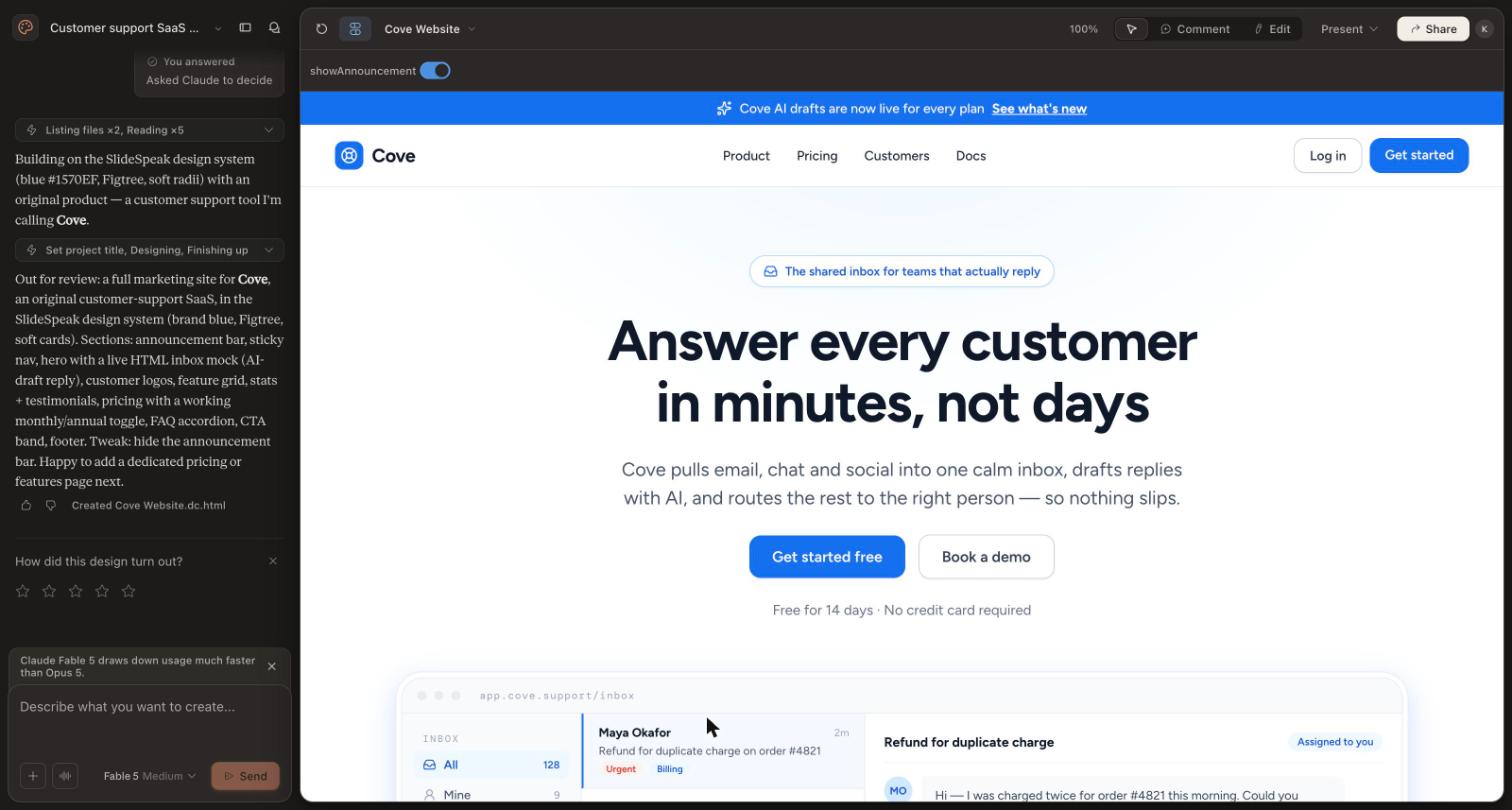
The walls matter just as much. Claude Design has no MCP server and no API, so external agents cannot read or edit its projects; the handoff to Claude Code is a one-way bundle. It runs Claude models only, generates no raster images, imports no Figma files and exports none. Exports are PPTX, PDF, HTML, Canva and org URLs. Finally, it requires a paid Claude plan and draws on your weekly usage allowance. Every alternative below removes at least one of those walls.
Claude Design alternatives at a glance
| Tool | Removes which wall | Open source | Agent access (MCP) | Pricing |
|---|---|---|---|---|
| Doop | Closed to agents; Claude-only | Yes (AGPL-3.0) | Yes, direct HTML edits | Free in beta |
| OpenDesign | Closed source; paid gate | Yes (Apache-2.0) | Yes, file-level | Free |
| Paper | No canvas control | No | Yes, node-level | Free tier, Pro $20 |
| Pen (ex Pencil) | No versioned files | Format open | Yes, .pen edits | Free |
| Figma Make + MCP | No design system of record | No | Yes, read + write | Paid full seat |
| Google Stitch | Paid gate | No | Prompt-relay only | Free, daily credits |
| v0 | No production code | No | Chat-level | Free tier, from $30 |
| Framer | No published site | No | Native agent link | Free tier, from $10 |
Free Claude Design alternatives
If the paid Claude plan is the blocker, four tools currently cost nothing for real use. Google Stitch is free with daily credits, per Google’s official FAQ. OpenDesign is free and local-first; you only pay your own model costs. Pen is free with no paid plans yet. Doop is free while in beta, hosted or self-hosted. In addition, v0, Paper and Framer all have workable free tiers with metered AI. One caveat applies across the board: the “free” tools that bring their own model (Stitch, v0, Framer) meter you with credits, while the bring-your-own-agent tools (Doop, OpenDesign, Pen, Paper) run on the Claude Code or Codex subscription you already pay for, unmetered.
Open-source Claude Design alternatives
Two tools on this list are actually open source. OpenDesign is Apache-2.0 licensed and local-first: it turns 21+ coding-agent CLIs into a design engine for web, slides, images and video, ships ~151 design systems, and even imports Claude Design ZIP exports, which makes it the natural migration path. Doop is AGPL-3.0 on GitHub and self-hosts as one Docker container plus Postgres. Beyond those two, Pen’s .pen file format is openly documented even though the app is closed, and everything else here is proprietary. If “open source” is your whole requirement, the shortlist is genuinely just those two.
Looking for a Claude Design from OpenAI? It does not exist
A surprising number of people search for an OpenAI or ChatGPT equivalent, and there is none. ChatGPT Canvas is scoped to writing and coding, image generation produces flat pictures of interfaces rather than editable ones, and OpenAI’s design play is hosting Canva inside ChatGPT instead of building a canvas. OpenAI has never publicly addressed the gap. The practical fix for Codex users is a bring-your-own-agent canvas: connect Codex to Doop, OpenDesign, Pen or Paper over MCP and you get the design surface OpenAI never shipped, with your existing ChatGPT subscription doing the work.
1. Doop: the agent-native canvas
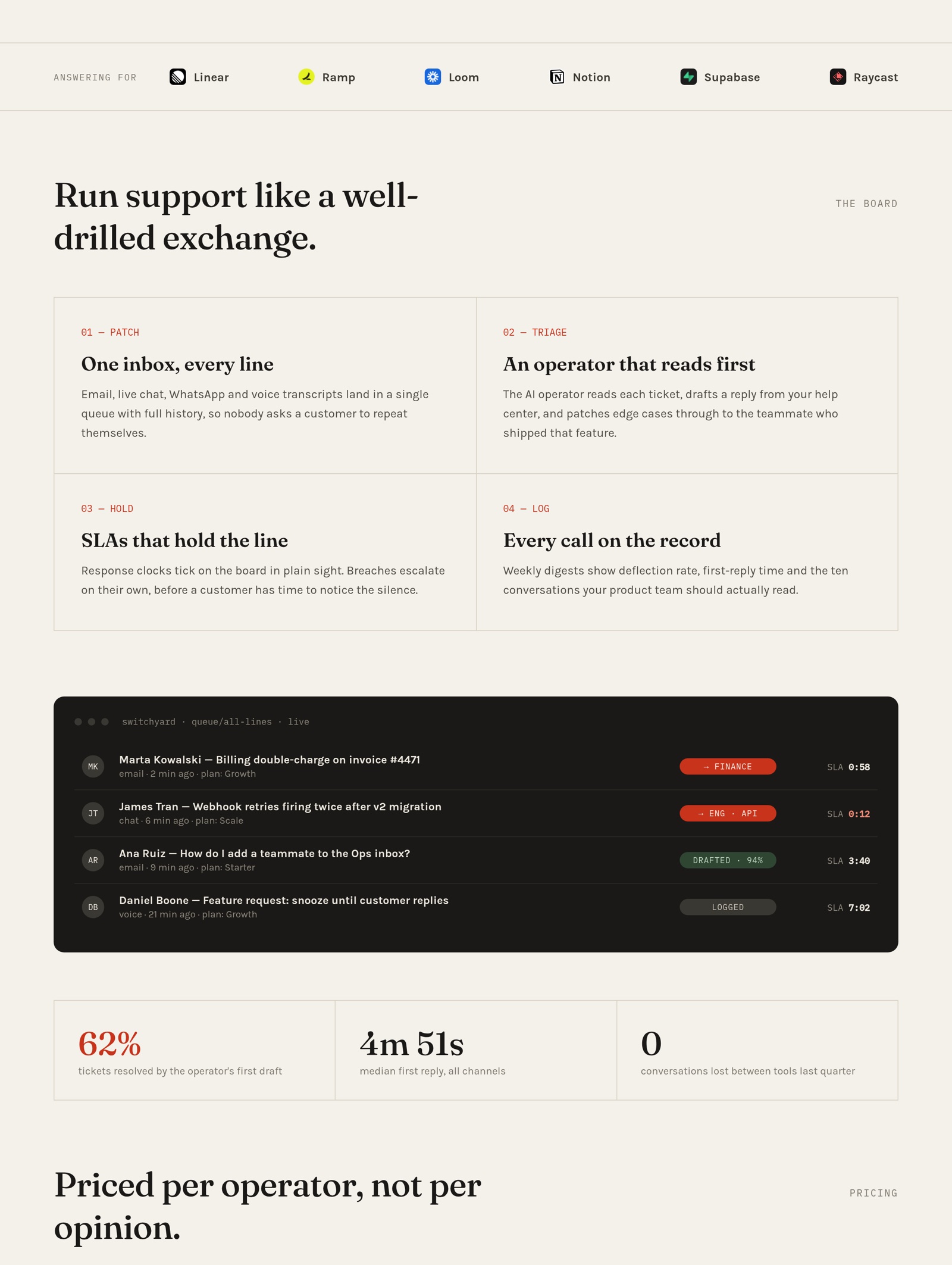
Doop flips Claude Design’s shape. Instead of Anthropic’s model on Anthropic’s surface, your own agent (Claude Code, Codex, Cursor, any MCP client) joins a live multiplayer canvas as you, streams frames next to its cursor, and takes your comments as tasks. Agents get direct HTML control per frame, image generation on your connected model account, real logo and stock search, and canvas-pinned style guides. It also runs scheduled automations, such as a weekly Meta ads creative report drafted by an agent on the canvas. Doop doubles as a full design MCP for Claude Code.
It is for: teams that want to watch and steer agent design work together, on any model, with the source open.
2. OpenDesign: the open-source migration path
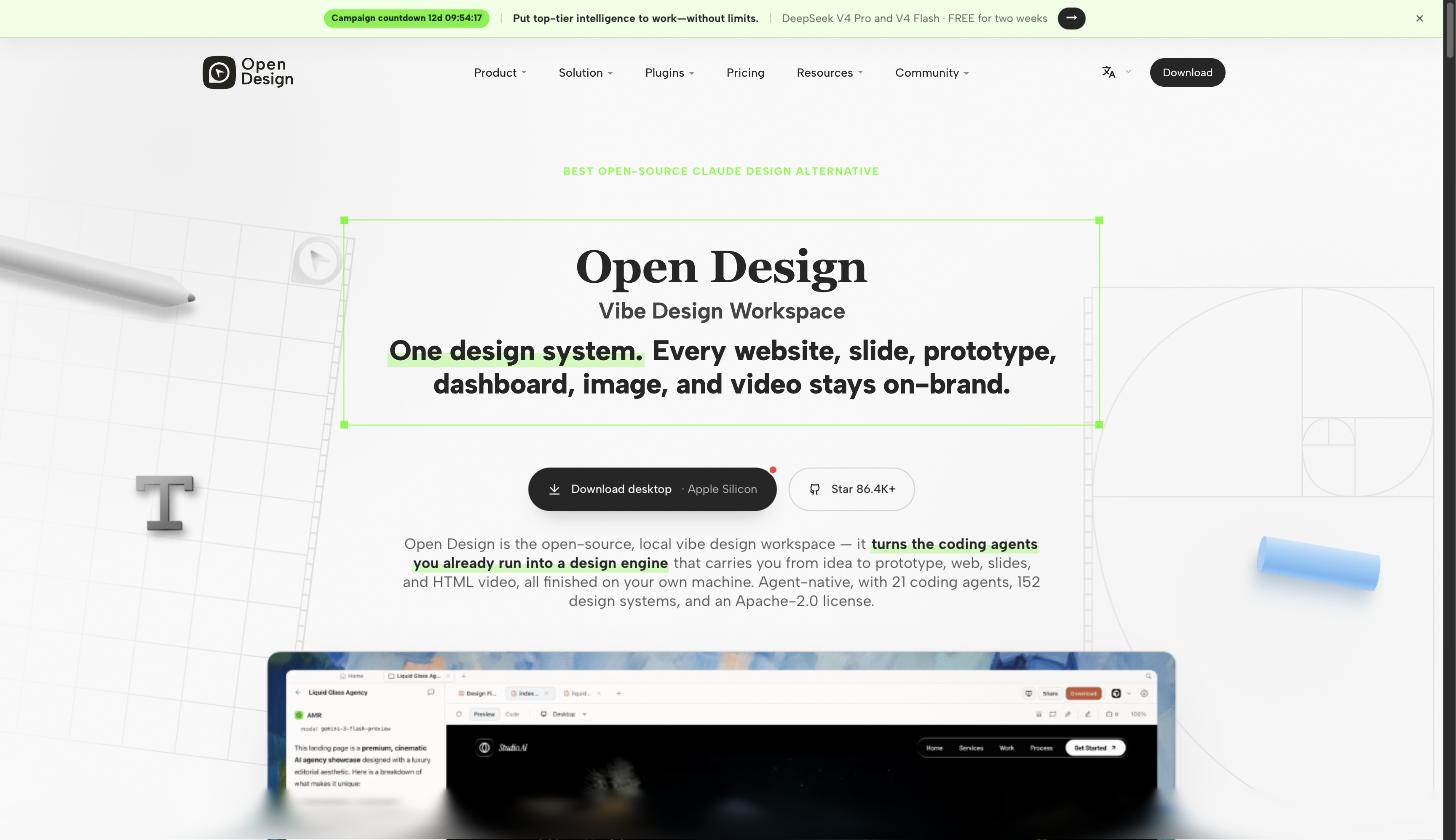
OpenDesign keeps Claude Design’s prompt-to-artifact feel but removes the subscription, the closed stack and the model lock-in. It drives whichever agent CLIs you have, keeps everything as local files, and imports your existing Claude Design projects via ZIP.
It is for: self-hosters and anyone who wants the same workflow without the gate.
3. Paper: a designer’s canvas with agent hands
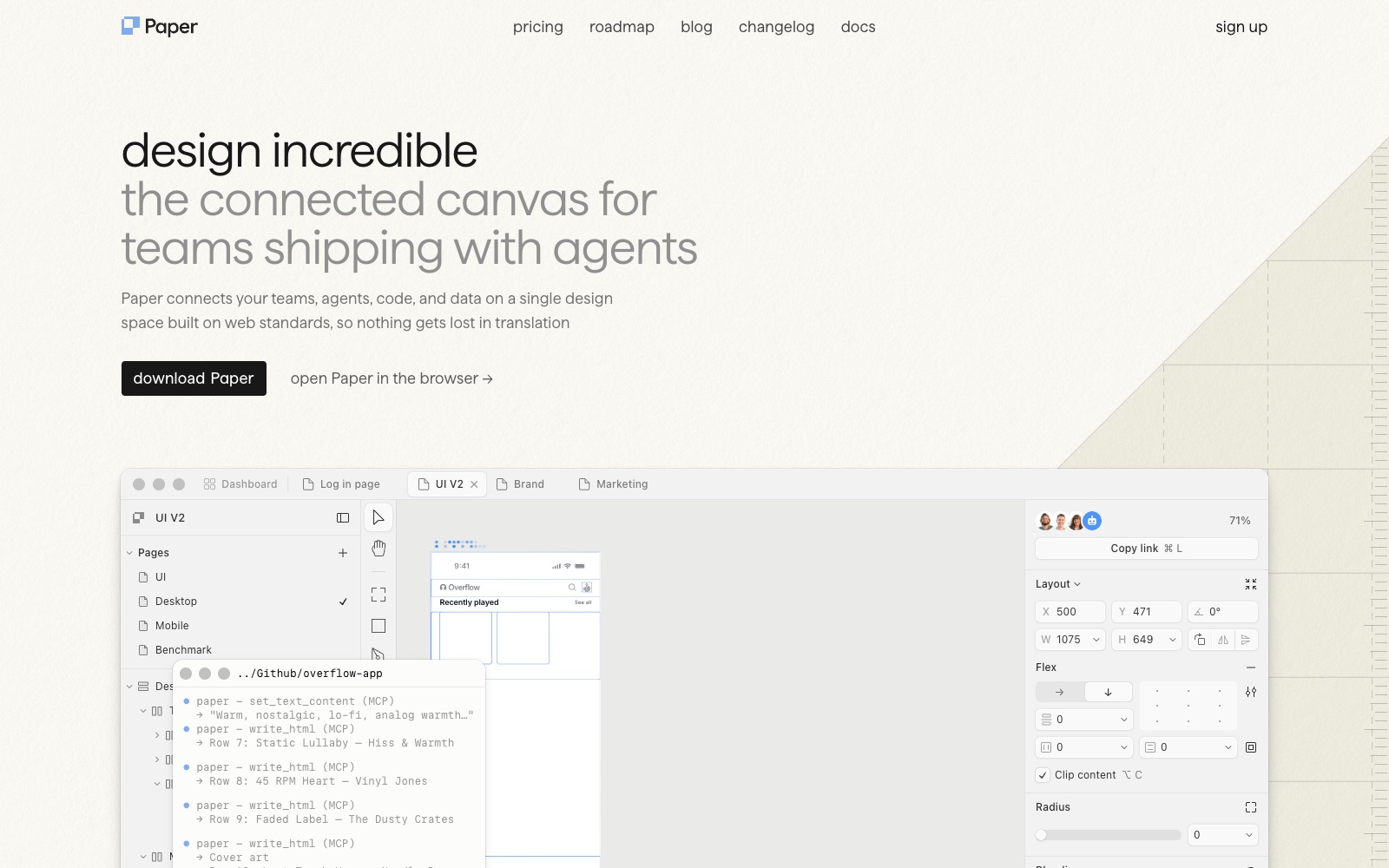
Paper’s MCP reads your selection and styles and writes artboards back, with JSX export and built-in image generation. Where Claude Design gives you a finished artifact to react to, Paper keeps you drawing while the agent executes. See our full Paper.design alternatives comparison.
It is for: designers who want hands on the work, not just prompts at it.
4. Pen: design files in your repo
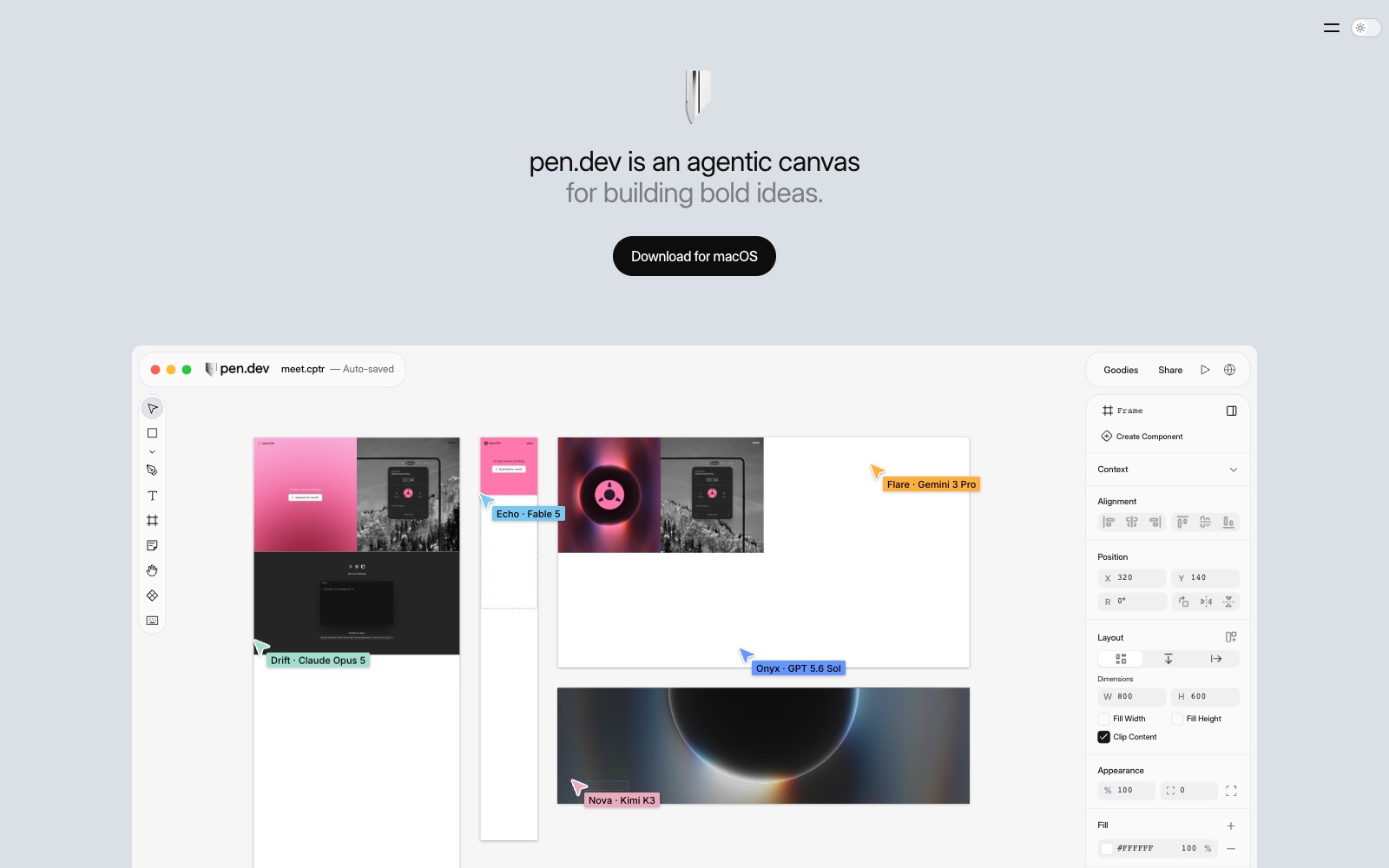
Pen, formerly Pencil, stores designs as open-format .pen files committed next to your code, schema-validating every agent edit. Its in-app composer connects Claude, OpenAI, Gemini and more, and external agents connect over MCP or CLI. Claude Design has nothing versioned; Pen makes git the version history.
It is for: engineering-led teams that review design like code.
5. Figma Make and the Figma MCP: the system of record
Claude Design builds a design system from your code once; Figma is where teams keep the canonical one. Figma Make turns prompts and existing designs into working apps on full seats, and the Figma MCP server lets agents read real tokens and components and, in beta, write native frames back. Two-way GitHub sync landed in 2026.
It is for: teams whose design system already lives in Figma and must stay authoritative.
6. Google Stitch: the free prompt-to-screens option
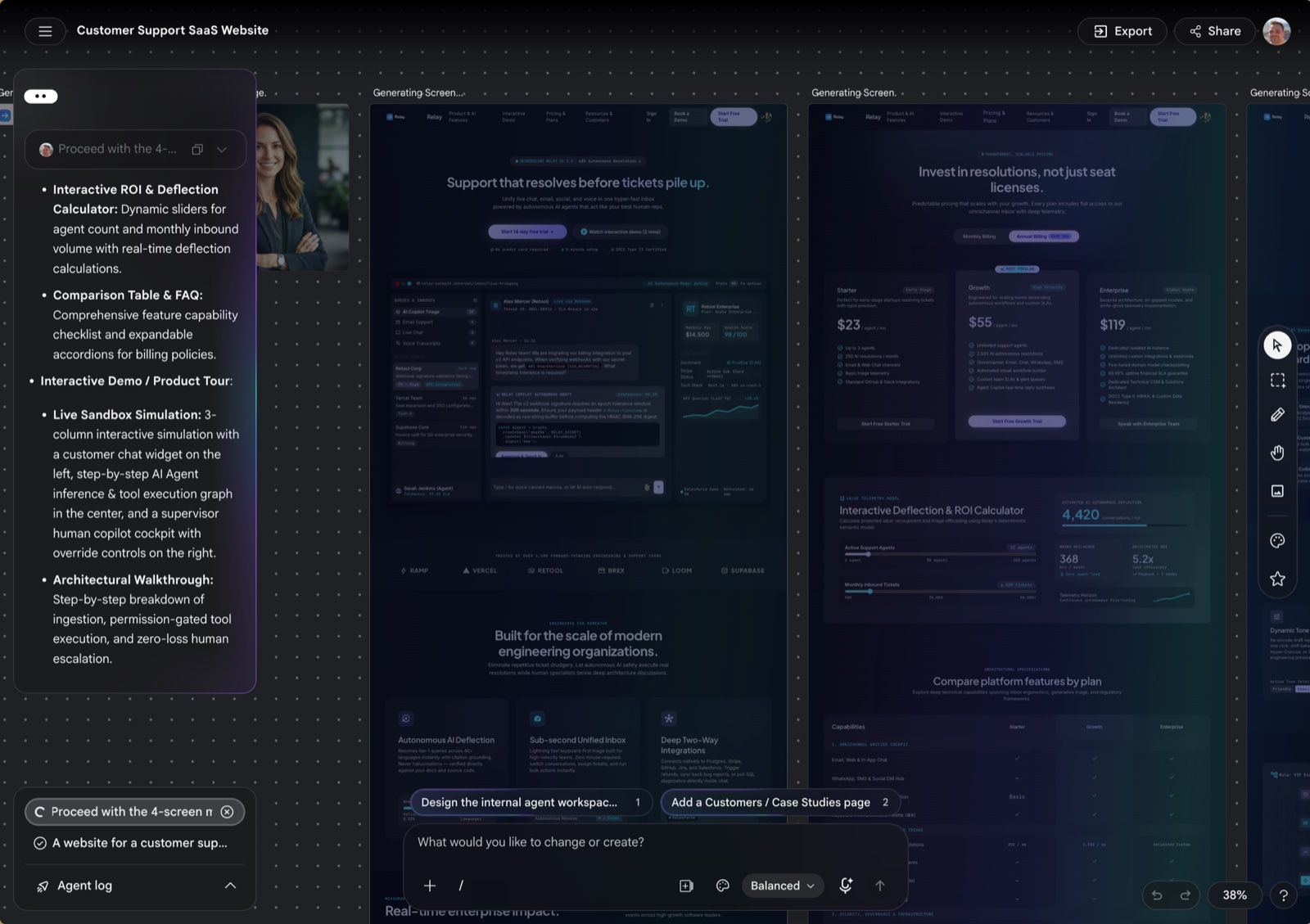
Stitch is the closest free equivalent to Claude Design’s generation quality, with native image and logo generation and Figma export. The trade-offs mirror Claude Design’s: Gemini only, closed source, and an MCP that relays prompts rather than allowing direct edits. We compared it against the whole field in our Google Stitch alternatives deep comparison.
It is for: fast, free UI concepts inside Google’s ecosystem.
7. v0: when the artifact should be production code
v0 answers a different question than Claude Design: not “show me the design” but “ship me the page”. It generates working React on shadcn/ui, syncs two-way with GitHub, imports Figma on paid plans and deploys to Vercel in a click.
It is for: developers who would rather merge the output than present it.
8. Framer: when the deliverable is a live website
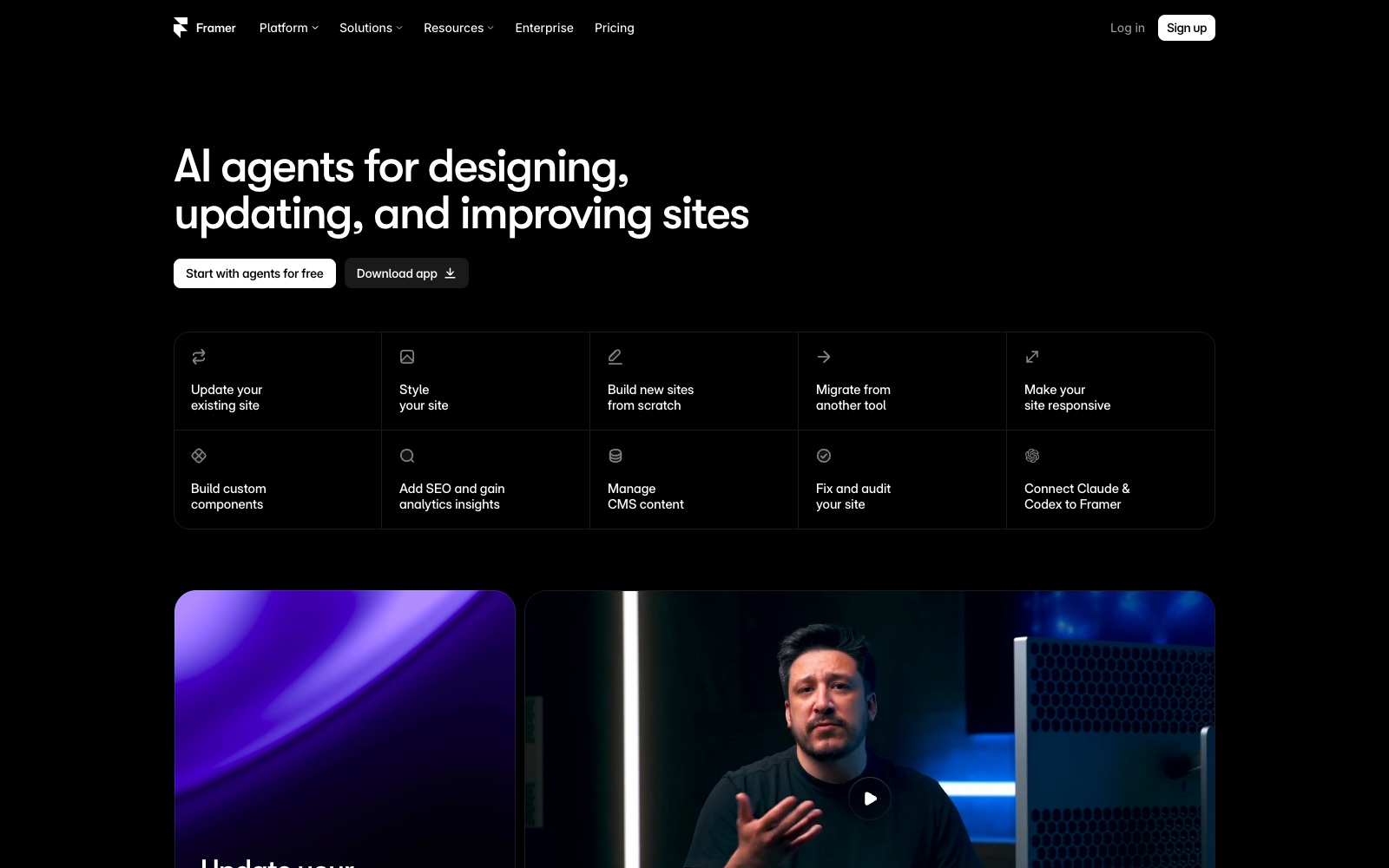
Framer’s agent designs, edits CMS content and publishes, and external agents connect through a native connection rather than MCP, with changes landing on branches for review. Claude Design exports an artifact; Framer publishes a site. The catch is lock-in: no code export.
It is for: marketing sites that need to go live, not into a deck.
Frequently asked questions
Is there a free Claude Design alternative?
Yes. Google Stitch (daily credits), OpenDesign, Pen and Doop’s beta are free today, and v0, Paper and Framer have free tiers. The bring-your-own-agent tools run unmetered on the Claude or ChatGPT subscription you already have.
Is there an open-source Claude Design alternative?
Two: OpenDesign (Apache-2.0), which also imports Claude Design ZIP exports, and Doop (AGPL-3.0), which self-hosts as a single Docker container.
Does Claude Design have an API or MCP server?
No. As of September 2026 Claude Design exposes no API and no MCP server, so external agents cannot edit its projects. If agent access is the requirement, Doop, Paper, Pen, OpenDesign and Figma all expose MCP surfaces.
Can I keep using Claude models with these tools?
Yes. Doop, OpenDesign, Paper and Pen all connect to Claude Code over MCP, so the same models do the design work; what changes is the canvas, the collaboration model and who owns the files.
Picking the right one
Match the tool to the wall you hit. Agents locked out points to Doop or Paper. Closed source points to OpenDesign or Doop. No versioning points to Pen. Paid gate points to Stitch or OpenDesign. Need code points to v0; need a live site points to Framer; need your Figma system respected points to Figma Make. Or skip the reading: open a Doop canvas, connect your agent, and see what designing together feels like.