 Written by
The search for Paper.design alternatives usually starts after the honeymoon. Paper is a genuinely impressive agent-native canvas: its MCP server gives Claude Code and other agents full read and write access, and the bidirectional loop feels like the future. However, its model is a solo desktop app, and that shape does not fit every team. This guide compares the three alternatives we would actually reach for, and when each one wins.
What Paper gets right, and where it pinches
Paper’s core idea is that the agent is a first-class user of the design tool. Around two dozen MCP tools cover reading selections, styles, and screenshots, plus creating artboards and writing markup. If you design alone and live in the terminal, it is excellent.
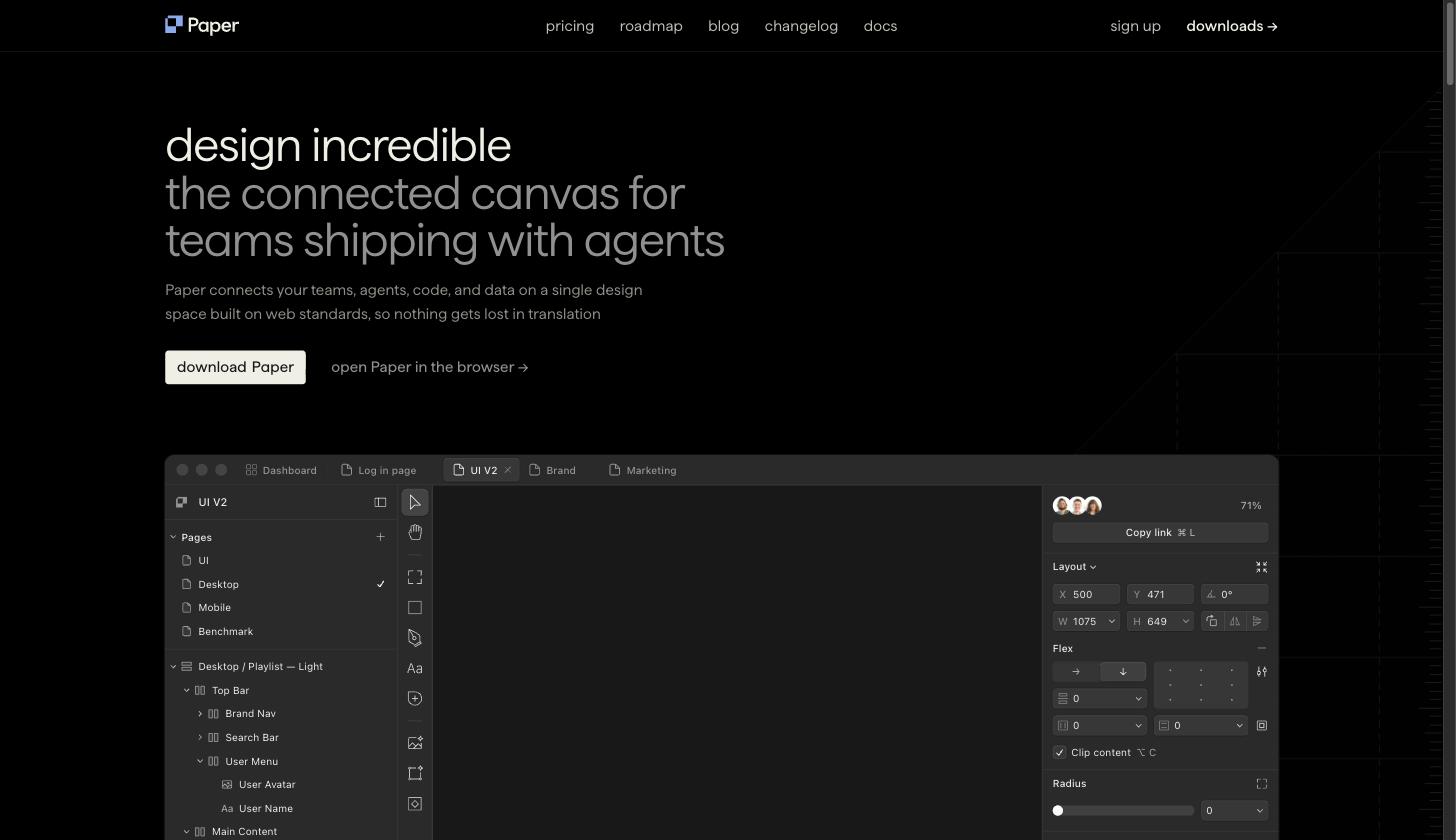
The friction shows up in three places. First, collaboration: the canvas lives in a desktop app on one machine, so a teammate cannot watch the agent work or drop feedback in real time. Second, ownership: designs live in Paper’s own files rather than something your repo or team tools already understand. Finally, it is closed source, which matters to teams that want to self-host or extend their tooling. Each Paper.design alternative below solves one of those pinch points.
1. Doop: multiplayer review for agent design work
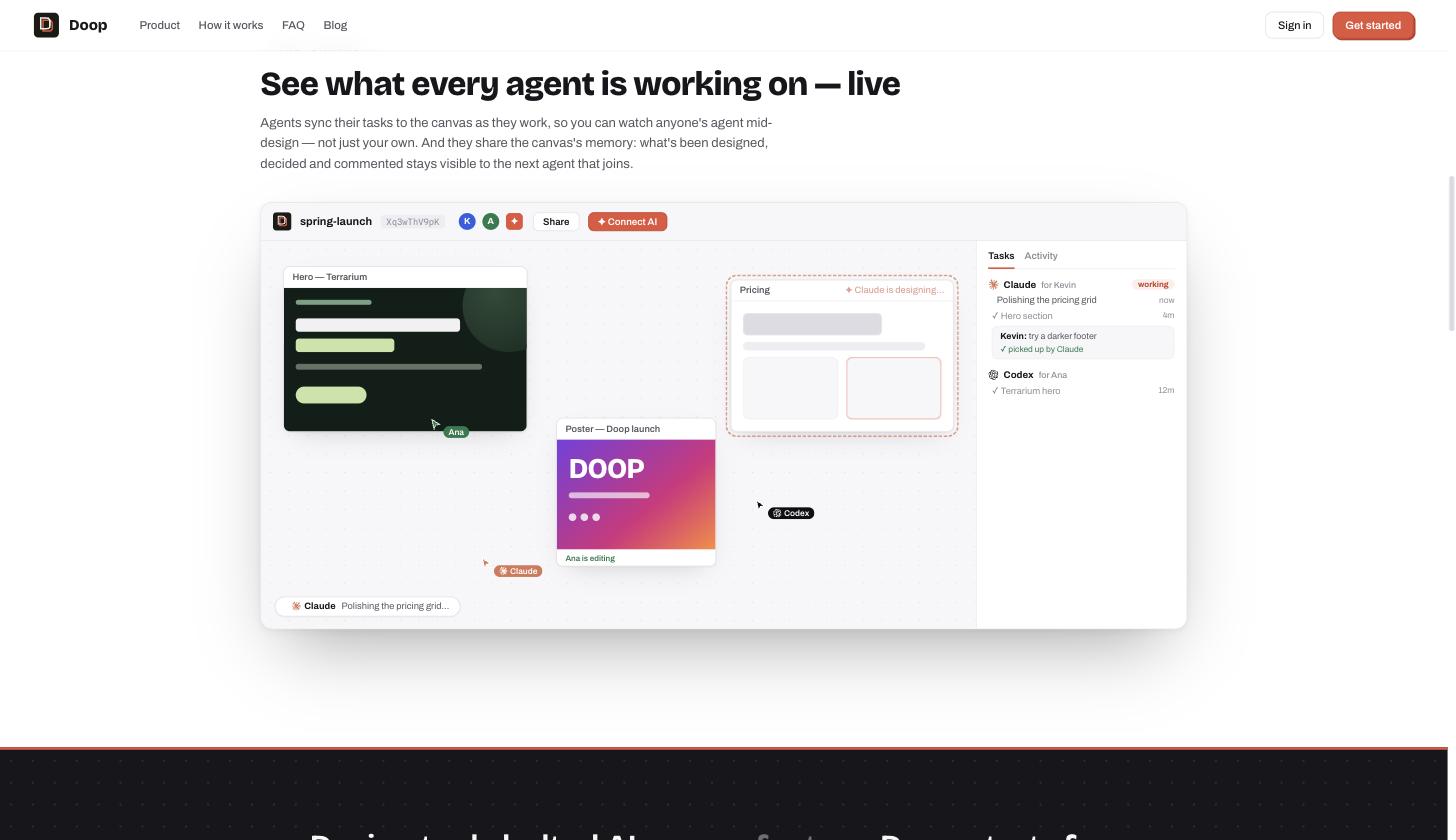
Doop moves the agent-native canvas into the browser and makes it multiplayer. Agents connect over MCP with OAuth (claude mcp add --transport http doop https://doop.design/mcp) and design as themselves: every frame streams onto a shared canvas live, next to the agent’s named cursor and status. Teammates watch, comment on frames, and their feedback flows back to the agent as structured tasks.
Choose Doop over Paper when the missing piece is other people: stakeholder review, design crit, or several agents and humans iterating on one canvas at once. There is nothing to install, and a share link is the whole onboarding.
2. Pencil: design files that live in your repo
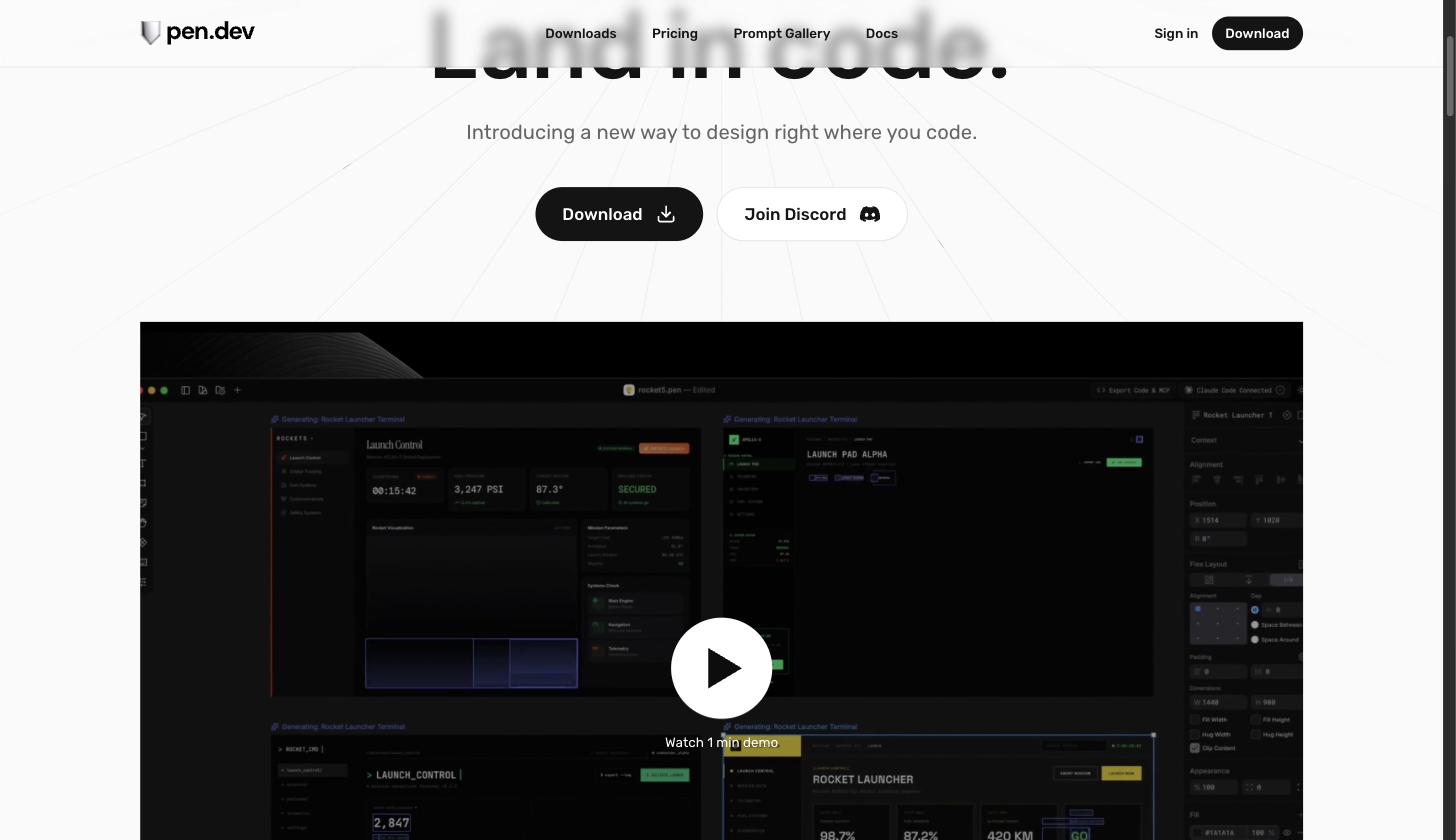
Pencil (pen.dev) keeps the desktop-canvas shape but changes where designs live: every canvas is a .pen file you can commit next to your code. Its local MCP server validates agent reads and writes against a schema and keeps the editor in sync, so Claude Code can edit the design and the implementation in the same session, and both land in one pull request.
Choose Pencil over Paper when your team is engineering-led and you want designs versioned, diffed, and reviewed with the same workflow as code.
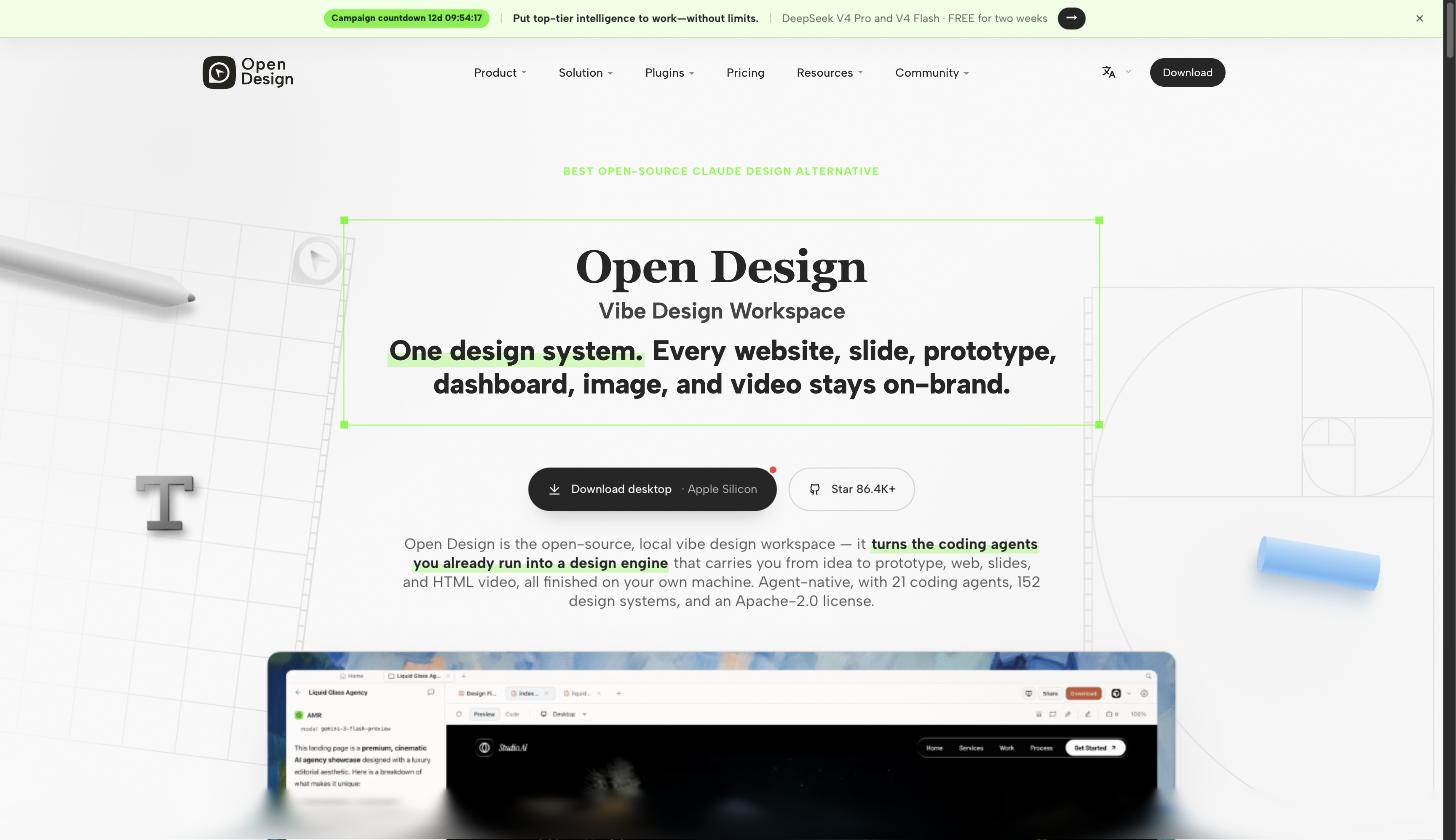
3. OpenDesign: the open-source, local-first option
OpenDesign takes the opposite bet from every proprietary tool in this space: it is open source, local-first, and brings no model of its own. Instead, it drives the coding agents you already have installed, including Claude Code, Codex, Cursor, and Gemini CLI, and ships with built-in design systems and skills for web, mobile, slides, and image work. You can run the desktop app or deploy it with Docker for a team.
Choose OpenDesign over Paper when you want control: self-hosting, extending the tool, choosing your own agent and model, or simply not betting your design workflow on a closed product.
Paper.design alternatives at a glance
| Tool | Where designs live | Collaboration | Source |
|---|---|---|---|
| Paper | Desktop app files | Solo | Closed |
| Doop | Shared browser canvas | Real-time multiplayer | Closed, hosted |
| Pencil | .pen files in your repo |
Via pull requests | Closed app, open format |
| OpenDesign | Local files, self-hostable | Team via Docker deploy | Open source |
What to evaluate before you switch
Whichever direction you lean, test the same four things during a trial. First, the MCP surface: can the agent both read and write, and does it see what you see (screenshots, computed styles, selection)? Second, the review loop: how does a teammate comment on the agent’s work, and how does that comment reach the agent? Third, portability: if you leave the tool in a year, what do you keep? Files in your repo and standard HTML age well; proprietary formats do not. Finally, the connection ritual: a tool your team actually adopts is one where connecting Claude Code takes a single command, not an afternoon.
It is also worth running one real task end to end before deciding. “Design a pricing page with our brand colors, then apply my feedback” exercises reading, writing, iteration, and review in every tool, and the differences become obvious within an hour.
Frequently asked questions
Is there a free Paper.design alternative? OpenDesign is open source and free to run locally; you only pay for the model usage of whichever agent drives it. Doop and Pencil both offer free tiers to start.
Do these work with agents other than Claude Code? Yes. All three speak MCP, so Codex, Cursor, Gemini CLI, and any MCP-capable agent can connect. OpenDesign in particular treats the agent as a pluggable engine.
How to pick
Start from the constraint that made you look for Paper.design alternatives in the first place. If it was collaboration, Doop gives you the live multiplayer loop. If it was ownership, Pencil puts designs in the repo. If it was openness, OpenDesign hands you the whole stack. Moreover, these are not mutually exclusive: a common setup pairs a shared Doop canvas for exploration and review with Pencil files for the designs that ship.
All three connect to Claude Code over MCP in a minute or two. For the broader landscape, including Figma’s official server and component generators, see our roundup of the top 5 Claude Code design tools. And if you want to feel the multiplayer version of agent design, open a Doop canvas, connect Claude Code, and ask it for three directions on your next landing page.