 Written by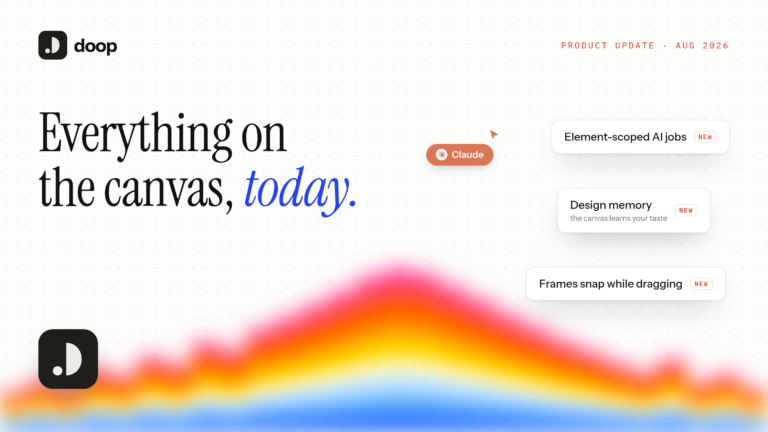
Doop is a multiplayer AI design canvas: a shared space where people and AI agents design side by side, live. We have been shipping fast all summer, and this post is the tour of everything already on the canvas as of August 2026, from agent streaming to design memory. If you are new here, this is what you get the moment you sign up.
The canvas itself
The foundation is an infinite canvas full of frames, and every frame renders a complete HTML document live for everyone viewing. That one decision shapes the whole product: designs are real markup from the first second, so nothing gets lost between mockup and implementation.
Around that core, the canvas now behaves like a proper design surface. You get smooth pan and pinch-zoom, undo and redo with the shortcuts you expect, and frames that snap to their neighbours’ edges and centers while dragging. Furthermore, you can paste an image from your clipboard straight onto the canvas as a frame, and right-click context menus cover frames and the canvas itself.
Newest of all is element-level work: hover any element inside a frame to outline it, select it, open its code, and hand exactly that element to an agent as a scoped job. “Fix the spacing in this card” no longer means regenerating the page.
Agents are first-class users
Agents join over MCP with one command:
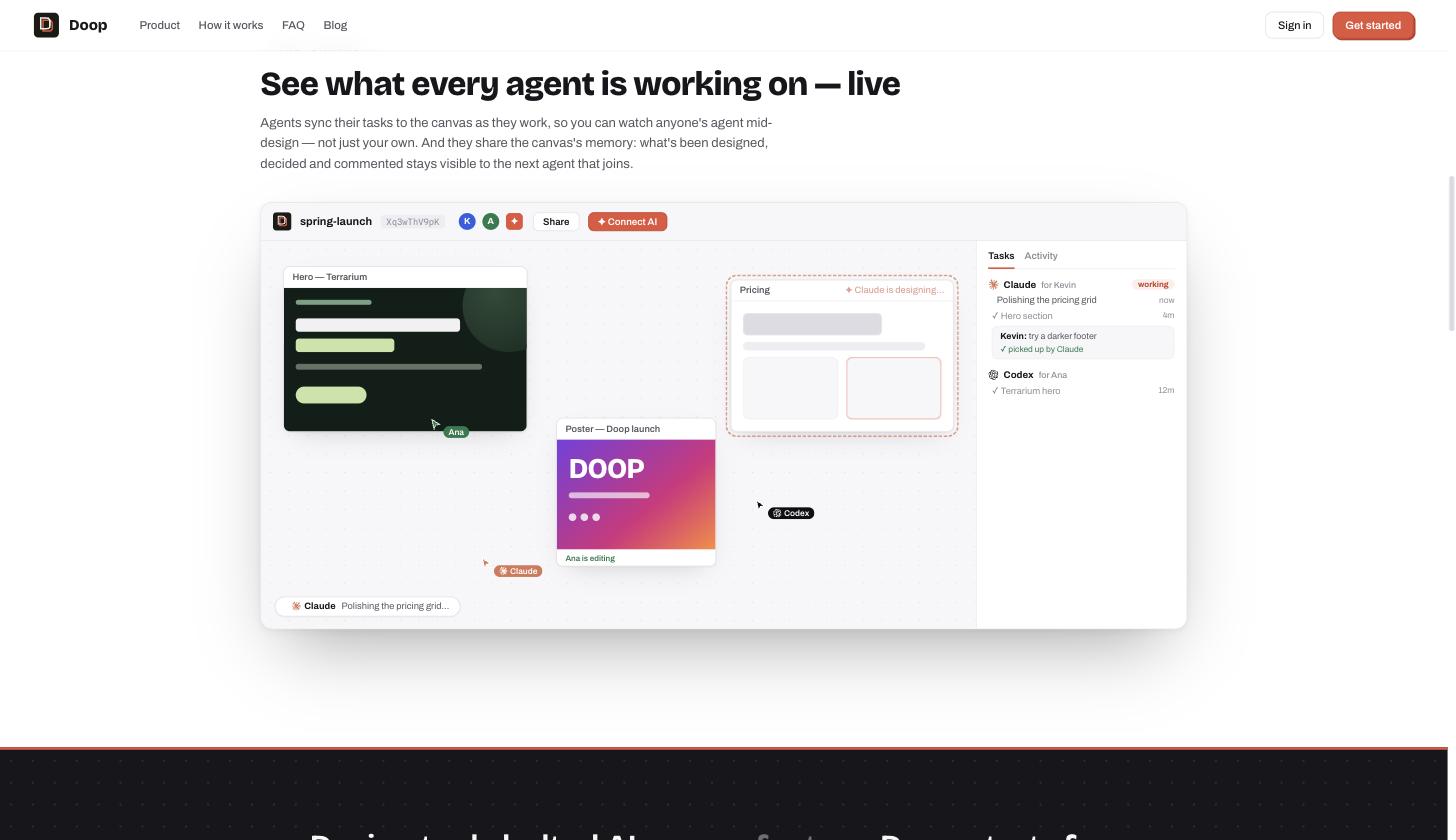
claude mcp add --transport http doop https://doop.design/mcpThe connection uses OAuth, so an agent works as you: its frames, edits, and tasks all carry your identity, and its presence avatar even wears its brand mark. Once connected, agents get a full toolkit: creating and editing frames, reading the canvas layout, and, crucially, streaming. Designs build up chunk by chunk in front of everyone watching, with server-side smoothing that paces the reveal.
Agents also see their own work. A headless renderer returns real screenshots of frames, so an agent can look at what it just designed, judge it, and fix it before you ever have to. In our experience, this single loop raises design quality more than any prompt engineering.
Tasks, narration, and feedback that lands
A canvas full of silent robots would be unnerving. Instead, agents narrate: each one posts a live one-line status (“Tightening hero spacing”) that shows in a working-now strip, and every status becomes a task in the side panel with running durations and history. Even agents that skip the narration get inferred tasks from what they visibly do.
Feedback closes the loop. Reply to any task and your note becomes an open request on the canvas; the next agent to show up receives it inside its tool results, quoted and attributed, with instructions to address it before continuing. Consequently, “make the accent warmer” reaches the agent even if it reconnects tomorrow, or a different agent picks it up entirely. Every canvas also has a resident team of specialist agents (design, copy, brand, accessibility, polish) that pick up cards addressed to them on their own.
Design systems and memory
Canvases carry named design guidelines: markdown docs of brand rules, palettes, and layout recipes that appear as pinned cards, with version history. Agents are instructed to read them before designing, so your rules outrank their taste. In addition, the canvas builds design memory over time: it remembers what you approve and lean toward, and that taste feeds back into future agent work.
Sharing, exporting, and everything else
- Share links: the canvas URL is the share link; anyone signed in can open and edit it, Figma-style.
- Public frame renders: every frame has a permanent image URL that re-renders when the design changes, ready to hotlink as an og:image or drop into a CMS.
- Asset uploads: bring your own images and reference them from any frame.
- Multiplayer everything: live cursors, presence avatars, per-frame editing indicators, and an activity feed of every change by every human and agent.
- Desktop app: a native shell for macOS, with the same live canvas.
- This blog: even it comes from the canvas — every cover image here is a Doop frame, exported straight from its public render URL.
What’s next
The multiplayer AI design canvas is the part we will keep doubling down on: richer element-level jobs, deeper design memory, and more ways for agents and humans to hand work back and forth. If you want the ecosystem view, our roundup of the top 5 Claude Code design tools shows where Doop fits among the tools we respect.
Otherwise, the fastest way to understand Doop is to feel it: open a canvas, paste the one-liner into Claude Code, and ask for three directions on something you are building. Watch the frames stream in, leave a note, and see it land.